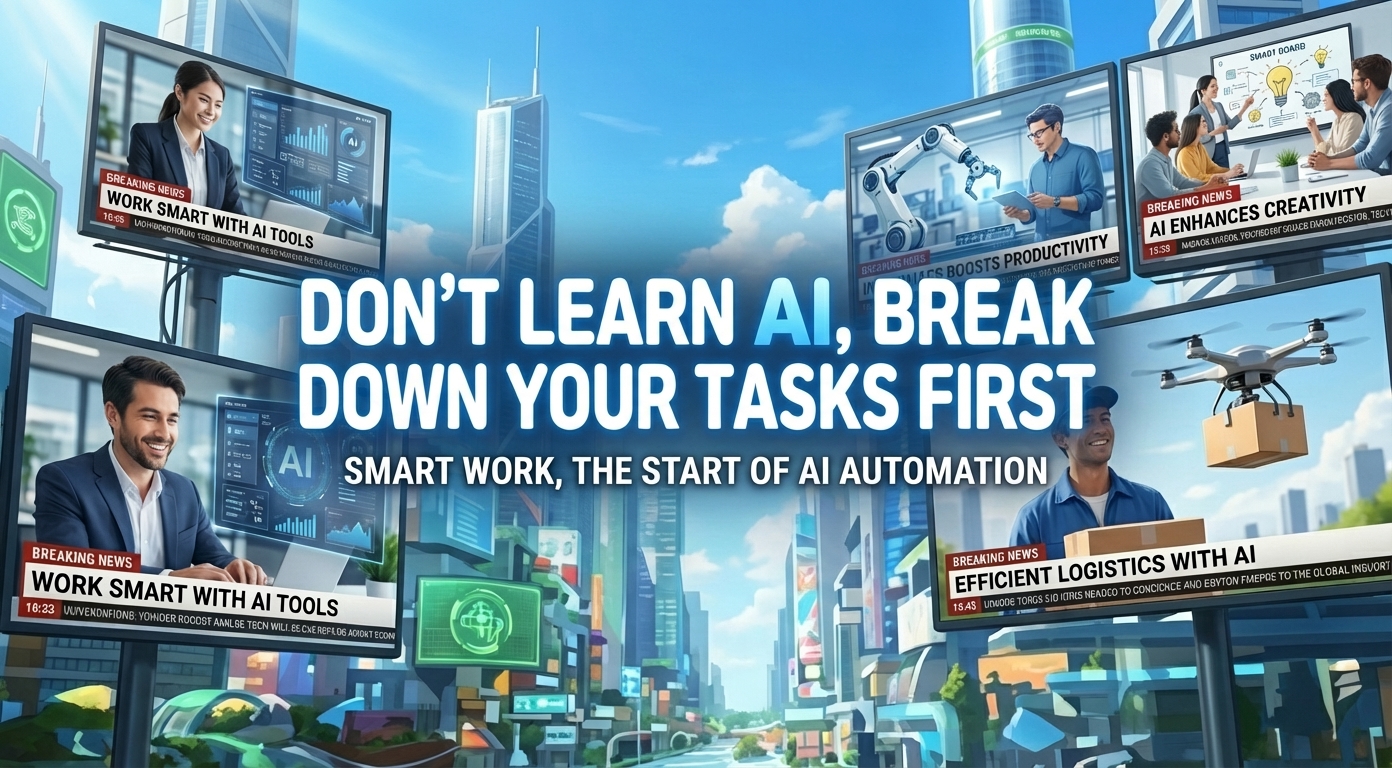
● AI Zero-Click Shock, SEO Traffic Collapse
The Ultimate Marketer’s Workflow for Running Countless AI Tools Like “Team Members”: A 2025 Practical AI Marketing Operating Method Summarized Through CEO Na-hyun Lee (Bontiger) Case
Today’s post includes exactly three things properly.
First, why the approach of “learning AI and plugging it into my work” fails, and conversely, how successful people “break down the work” and assign AI to it.
Second, how to connect tools like ChatGPT, Perplexity, Skywork, Gamma, and MiriCanvas into a real hands-on workflow (planning → research → content → design → operations → performance).
Third, in today’s marketing, the truly scary change is the “zero-click” era where search traffic evaporates into AI summaries, and how a team that used to do only SEO survives (= from a GEO/AEO perspective).
1) News Briefing: The “Human Team Lead + AI Superteam” Approach Is Transforming the Marketing Field
[Key Takeaway] CEO Na-hyun Lee defines herself as the “human team lead of an AI superteam.”
The core point is not using AI as a single all-purpose tool, but dividing it by role and running it “like team members.”
[Change Point] Cases are repeatedly appearing where research/organizing work that used to take at least 1 week to 1 month for a single proposal now drops to the 1–2 hour range with AI research.
This is not just “time saving,” but it means you can run more experiments (campaigns/events/content) in the same amount of time, so productivity becomes a completely different game.
[Direction for Tool Use] Break it down into planning, research, strategy, design, documentation, video, and production outsourcing, then attach the strongest tool for each stage.
What matters here is the operating philosophy: “Do not trust AI output as the final version; generate a draft, then a person (the team lead) sets direction and completes it.”
2) Practical Framework: “Don’t Learn AI First—Break Down Your Work First”
This is the message the CEO repeatedly emphasizes.
Instead of “I learned AI, so where can I use it in my work?”
You must shift your thinking to “After dissecting my work step by step, let’s assign the right AI to each step” for it to work in real practice.
[Recommended 6-Step Work Decomposition Example]
1) Planning (goals/concept/structure)
2) Research (market/competition/customer/trends)
3) Strategy (positioning/message/channels/budget)
4) Production (copy/carousels/landing pages/videos/brochures)
5) Operations (outreach/schedule/email/forms/CRM/on-site)
6) Analysis/Improvement (performance reports/insights/next actions)
With this frame, most people who say “AI doesn’t work” often throw steps 1–6 at AI all at once, dislike the result, and give up.
In contrast, CEO Na-hyun Lee’s approach is to divide responsibilities by assigning AI like “staff” matched to each stage.
3) How to Build a Tool Stack Like a “Team Org Chart” (Centered on Actually Mentioned Tools)
① Planning Secretary (Top Priority Next to the Team Lead)
– ChatGPT / Claude / Gemini and other LLMs that “structure your thinking” are placed as the main secretary
– Role: concept organization, agenda design, copy drafts, press release drafts, storytelling structure
② Research/Analysis Lead (Data-Driven Decision-Making)
– Perplexity (especially Labs/report/dashboard features)
– Role: market research, competitor analysis, trend summaries, source-link-based verification, chart/table creation
– Point: not just “long text,” but creating tables/graphs to boost readability (usable directly in real reporting work)
③ PPT/Report Production Lead (Including Research)
– Skywork
– Role: automatic PPT generation that includes “research → structure → visualization” (can take about 20 minutes)
– Point: generates everything up to the cover and table of contents, and also generates images with AI
④ Design/Content Production Deputy Lead
– Gamma, Canva/MiriCanvas, etc.
– Role: carousels, presentation materials, landing pages (simple structures), rapid production based on templates
⑤ Video Production Lead
– Vrew, Clipchamp, CapCut, etc.
– Role: shorten the pipeline for short videos/promotional videos
⑥ Goods/Product Image Production (Studio Replacement)
– Mockup AI + MiriCanvas background removal + immediate ordering
– Role: produce content with studio-shot-like results even without product photography
4) Cases Showing Where “AI Creates 10x Output”
Case A: In Event Planning, the “Concept Sharing Cost” Drops Close to Zero
– Before: repeated explanation/revision cycles to align concept sync with the designer (time and emotional drain)
– Now: organize the concept with ChatGPT → generate draft images/diagrams with tools like DALL·E → deliver to the designer as a “draft”
– Effect: the designer’s time to understand shrinks, and rework caused by communication mismatch decreases significantly
Case B: Running a 1,000-Person-Scale Event in 2 Weeks (The Biggest Bottleneck Is “Outreach/List Building”)
– Problem: needed to quickly find YouTubers that the target (middle/high school students) likes, but it was hard to find manually because recommendation algorithms are based on my own tastes
– Solution: list up popular YouTubers for the target with Perplexity/AI → compress the candidate pool → switch to contact/outreach operations
– Key point: AI is not a tool that “gives the answer,” but a tool that excels at listing up/compressing candidate pools to drastically lower operational difficulty
Case C: Data Analysis Shifts from “Gut Feel” to a “Standard Process”
– CEO’s logic: in the past, a savvy marketer’s intuition was effectively the data, and now AI reads the data, so anyone can increase hit probability with data-driven decisions
– Example: generate a Perplexity report on a topic like “new entry into a lunchbox subscription service” (including tables/graphs/sources) → refine the sentences/persuasive structure with ChatGPT to build the final report
– This is also important from an SEO perspective: the more reports/content are organized not as “keyword lists” but in a “structure that AI can summarize easily,” the more competitive they become for exposure
5) Why You Make AIs Debate Each Other: Not “Finding the Right Answer,” but “Removing Risk”
This is the point the CEO executes extremely well in practice.
Even with the same prompt, AI can reach different conclusions (e.g., targeting people in their 20s vs a premium audience in their 40s).
If you conclude “generative AI is a mess,” it ends there, but the CEO does the opposite: she validates hypotheses by making AIs argue with each other.
[Advantages of This Approach]
– Another AI immediately points out the bias/data limitations of a specific AI
– When conclusions differ, digging into “why is it different?” creates insights
– The final decision is made by a person (the team lead), and AI provides logic/evidence/scenarios
6) The Core Point of 2025–2026 Marketing Trends: SEO Alone Is Not Enough; The Game Shifts to “AI Search Exposure”
The most realistic warning in the original source is this part.
Search is rapidly moving from “link clicking” to “checking AI summaries and leaving (zero-click).”
[What Happens]
– Users read only summaries in search engines/AI search and stop there
– Site visitors decrease (especially for informational content)
– Ultimately, documents that AI references/cites/summarizes become stronger
[Practical Response Keywords (Naturally Organized)]
– Existing SEO strategy is still necessary, but now you must also bring in an AEO/GEO (generative AI search optimization) perspective
– When creating content, it’s not just about matching keywords; you must make it easy for AI to cite through structured documents (tables/summaries/evidence/sources/FAQ formats)
– This flow also affects the advertising market, and digital transformation is changing marketing organizational operations themselves
For reference, this change is not a simple trend; it is a signal that is quite important even from a global economic outlook perspective, as it shakes the production methods and revenue models (ads/subscriptions/leads) of the content industry in the mid-to-long term.
7) Five “Truly Important Points” Most YouTube/News Don’t Say Much About
1) The win-or-lose of AI adoption is decided by “work decomposition ability,” not “tool selection”
Tools keep changing, but people who break work into stages can immediately swap in whatever tool arrives.
2) The essence of productivity innovation is not “shorter work time” but “more experiments”
When proposals get faster, you can run more A/B tests for campaigns, experiment with event concepts, and test target segments more often—and this eventually hardens into a performance gap.
3) The strongest area for AI is not “getting the right answer” but “compressing the candidate pool”
Efficiency explodes when it rapidly organizes “possible options,” such as outreach lists, market entry scenarios, and competitor comparison tables.
4) If you use “AI output = final version,” brand trust breaks
The “draft” perspective the CEO mentioned is the core point.
The moment it feels AI-made, persuasiveness/authenticity drops, and in particular it gets flagged immediately in B2B proposals or policy/public-sector documents.
5) In the zero-click era, content that “AI cites” survives before content that “induces clicks”
This is likely to change content team KPIs themselves going forward.
Rather than looking only at traffic (sessions), it will likely shift toward tracking citation/summary exposure in AI search.
8) A Ready-to-Use “AI Superteam” Operating Template (Realistically Applicable in Companies)
[Step 1] Break my work into 6 stages, and define each stage’s deliverable in one line
Example: “Research deliverable = competitor comparison table for 5 companies + 2 target personas + 5 lines of key insights”
[Step 2] Assign an AI owner for each stage, and run at least two with the same input for cross-validation
Example: the combination of ChatGPT (sentences/structure) + Perplexity (evidence/sources) is almost a basic set worth running.
[Step 3] Limit what humans do to ‘direction/verification/prioritization’
In real work, the most expensive time is not tasks like “matching graph colors,” but deciding the message and strategy.
[Step 4] Close the deliverable as a document that includes ‘my experience/my data,’ not AI
The point where depth differs in presentations or reviews is exactly this part.
< Summary >
A marketer who uses AI well is not someone who collects tools, but someone who dissects work stage by stage and assigns AI like team members.
Role division is the core point: ChatGPT for planning/writing, Perplexity for source-based research/tables/graphs, Skywork for PPT automation including research.
AI output should be used as a draft, not the final version, and humans must focus on direction-setting and review for productivity to explode.
Search is shifting toward zero-click and AI-summary 중심, so beyond existing SEO, the AEO/GEO perspective of an “AI-citation-friendly structure” is becoming increasingly important.
[Related Posts…]
- In the AI search era, the real reasons traffic decreases and response strategies
- Is GEO the next after SEO? A generative search optimization checklist
*Source: [ 티타임즈TV ]
– 수많은 AI툴을 팀원으로 거느린 최강 마케터 이야기 (이나현 본타이거 대표)

● Google Super Gems, 5-Second AI Workflow Takeover
Create an AI Work Automation Tool in 5 Seconds with Google “Super Gems”: The OPAL-Based Workflow Era Has Begun
In today’s post, I made sure to include exactly three things.
1) How Gemini Super Gems are different from “existing Gems,” and why this changes the work automation landscape
2) How to actually design a “workflow mini-app” that runs blog writing/research/image generation all at once
3) The key takeaway that’s discussed relatively less in news or YouTube: what Google is trying to win in “platform lock-in” and “enterprise productivity” with this feature
1) One-line news summary: Super Gems store “work processes,” not “prompts”
As Google rolls out a new feature called “Super Gems” inside Gemini, it has become much easier for individuals to create AI mini-apps/workflow automations they can use immediately.
The core point is this: while existing Gems felt like “conversational prompt templates,” Super Gems are much closer to automatically executing an entire “workflow” by chaining multiple steps.
2) Where to find Super Gems in the menu and the visibility conditions (important points)
Access path
Go to Gemini → Left menu → “Gems” → A new “Super Gems” section appears at the top
Visibility conditions (observed characteristics)
In many cases, it shows up first for paid accounts, and some free accounts reportedly see it as well.
This is a typical “gradual rollout” pattern, so if you don’t see it today, it likely doesn’t mean the feature is absent; it’s more likely being applied sequentially.
3) Existing Gems vs. Super Gems: It shifted to being “app/workflow” centered
Existing Gems (the old way)
Enter and save Name/Description/Instructions/Knowledge/Tool settings
Primarily focused on “what tone this character/assistant should use and what it should do”
Super Gems (the new way)
From the start, the screen prompts you with “Describe an app or workflow”
In other words, it begins automation design based on “task steps,” not “conversation.”
Why this is a big change
From an enterprise productivity perspective, generative AI is moving beyond the “well-spoken assistant” stage into the stage of “locking repetitive work into standardized processes.”
This shift is likely to accelerate enterprise AI adoption by not only improving productivity (reducing work time) but also dramatically lowering the execution cost of digital transformation over the long term.
4) Actual demo flow: Creating a “blog writing automation app” in 5 seconds
Step 1. Enter a natural-language description of the job into Super Gems
Example: “Blog writing automation app”
Step 2. Super Gems automatically composes the steps
In the video, the flow is constructed like this:
– Topic research
– Body text generation
– Image description writing
– Image generation
– Output the final result in a web page format
Step 3. Enter the ‘Advanced Editor’ (OPAL) and edit the workflow like nodes
This is where Super Gems’ real core point shows up.
Instead of ending in a chat window, you can visually connect an input-generate-output pipeline based on nodes/steps.
5) The structure you see in OPAL (Advanced Editor): A three-layer separation of input/generation/output
1) Input node
You can create an input field such as “Enter a blog topic.”
You can easily add more inputs as well. (e.g., target audience, purpose, length, tone, forbidden expressions, etc.)
2) Generate node
Task stages such as research/body/image prompts are split into multiple connected steps.
The important part is that “each step can receive the previous step’s result and pass it to the next step.”
3) Output node
It’s mentioned that you can lock the final result into a fixed web page output, or save it in other formats such as Docs/Slides/Sheets.
This is especially powerful for enterprise use.
Because “where you save the output and what format the team shares it in” determines automation ROI.
6) Being able to choose models raises the weight class of “Super Gems”
In the OPAL editing screen, you can choose a model for each node and attach different ones depending on the purpose.
Examples (based on the video)
– Research step: Deep Research family (for deep investigation)
– Draft writing: Gemini 2.5 Flash (speed/cost balance)
– Image description: Gemini 2.5 Flash (text generation)
– Image generation: Imagen/Nano family (image generation)
What this means is that competition is moving from “single-model performance” to “orchestrating the best model per task.”
Ultimately, as cost-to-performance (= AI operating efficiency) becomes the core point, enterprises are likely to spend more on these workflow tools.
Over the long term, this trend also connects to macro variables like AI investment, interest rate shifts, and the global economic outlook.
7) A more advanced way to use it: First create a “workflow prompt” in ChatGPT/Gemini, then paste it into Super Gems
The most practical tip in the video was this.
You can build directly in Super Gems, but for more detailed automation, it’s better to “design the workflow itself first” and then paste it in.
Example flow
1) Ask ChatGPT (or Gemini)
– “Organize a step-by-step Naver blog top-ranking workflow reflecting the latest algorithms”
– “Write detailed prompts for each step”
– “Make the output of each step flow naturally into the next step’s input”
2) Paste the generated “step-by-step prompt set” directly into Super Gems New Gem
3) In OPAL, review and modify the long workflow that gets generated as nodes
This approach is good because, in real company work, the automations you need have far more steps than simple writing, such as “verification/approval/formatting/brand guidelines/legal checks.”
Super Gems are designed to lock those complex procedures into a fixed “app.”
8) Deployment/sharing (publish) and what “pinning” means
Pin
Pin frequently used automation apps for repeated use
Copy/share
Duplicate workflows and modify them by team/project
Publish (public)
A structure opens up where others can also use workflows built on OPAL.
If this scales, a “workflow template market” will inevitably emerge, and the winner of that market takes the productivity tool space.
Google already has a complete work platform—Search/Docs/Mail/Drive—so if it adds template distribution on top, ecosystem lock-in becomes extremely strong.
Over the long term, this platform lock-in influences market variables like Big Tech earnings, Nasdaq volatility, and the inflation path.
9) Google vs. ChatGPT competitive landscape: Shifting from “models” to “platform speed”
The key takeaway mentioned in the video was this.
Google’s strengths
When a new model comes out, it can be rapidly applied across its services to raise overall perceived performance together.
In other words, “feature rollout speed” is the weapon.
OpenAI (ChatGPT)’s response
Preparing for a platform war by expanding an app store/ecosystem (external developers, Canva, Lovable, etc.) and increasing allies
A realistic conclusion for bloggers/office workers
This isn’t a game where you choose only one; for the time being, the most practical approach is a two-track setup depending on the job—“Gemini for automation tied to Google Workspace,” and “ChatGPT for planning/ideation/polishing sentences.”
10) The “most important key takeaway” that other YouTube/news talk about less (core summary)
Point A: Super Gems bring “standardization of AI automation” down to the individual level
Until now, automation required separate tools like Zapier/Make/n8n or development resources.
Super Gems lower that barrier by moving it “inside Gemini, via natural language, as a step-based app.”
Point B: More important than model performance is “turning work processes into assets”
What truly makes money in companies is “work recipes that produce the same quality no matter who uses them.”
Super Gems go beyond prompts by saving processes as recipes, making it easy to spread them at the team level.
Point C: Output formats (web/docs/slides/sheets) are the killer feature for enterprise productivity
Most people focus only on “it writes well,” but in reality, “where and how the results are stored and shared” determines automation completeness.
As this gets stronger, Google is competing not in an AI tools battle but in a “work OS” battle.
11) Five recommended practical workflows (for office workers)
1) Meeting automation
Input: meeting purpose/attendees/agenda items
Generate: agenda → meeting minutes template → action items/owners/deadlines
Output: document + sheet (action item tracking)
2) Weekly/monthly report automation
Input: performance/metrics/issues
Generate: core KPI summary → issue causes/response → next week plan
Output: slides/document
3) Sales proposal first-draft automation
Input: client/industry/problem/budget range
Generate: problem definition → solution → expected impact → timeline/risks
Output: slides
4) Hiring JD/interview question automation
Input: position/required competencies/preferred qualifications
Generate: JD copy → interview questions → evaluation rubric
Output: document + sheet
5) Blog/content automation (for marketing teams)
Input: keyword/target/goal
Generate: estimated SERP structure → outline → draft → image prompts → final HTML
Output: web page/document
< Summary >
Google Gemini’s Super Gems go beyond the existing Gems’ “prompt templates” to “automate the workflow itself like a mini-app.”
With the OPAL Advanced Editor, you can design an input-generate-output pipeline in a node-based way and optimize work by attaching different models to each step.
The most important shift is that competition is moving beyond “model performance” toward “turning work processes into assets” and “platform lock-in.”
[Related posts…]
- A summary of how AI automation work methods changed with Gemini updates
- Workflow automation tool comparison: Make·Zapier·AI agents and more
*Source: [ AI 겸임교수 이종범 ]
– 제미나이3에서 만든 슈퍼잼스로 AI 업무자동화 도구 5초만에 만드는 방법