● One-click AI agent Manus AI 1.6 Max; Notion, Slack, Google Calendar, Canva workflows
AI agent that binds Notion·Slack·Google Calendar·Canva with “one click” has reached production-ready level
I will summarize these four things today.
1) What changed in Manus AI 1.6 Max’s “agent automation” (from demo-level to production-ready)
2) How to design workflows when connecting Notion/Slack/Google Calendar/Canva with MCP
3) The ‘real risks’ that other videos/articles often miss (permissions·security·audit logs·human control points)
4) From a global economic perspective, why this shakes productivity, labor costs, and software market structure
1) News briefing: “AI that manipulates the browser like a human” is crossing the boundaries of automation tools
The core point of the original article is simple.
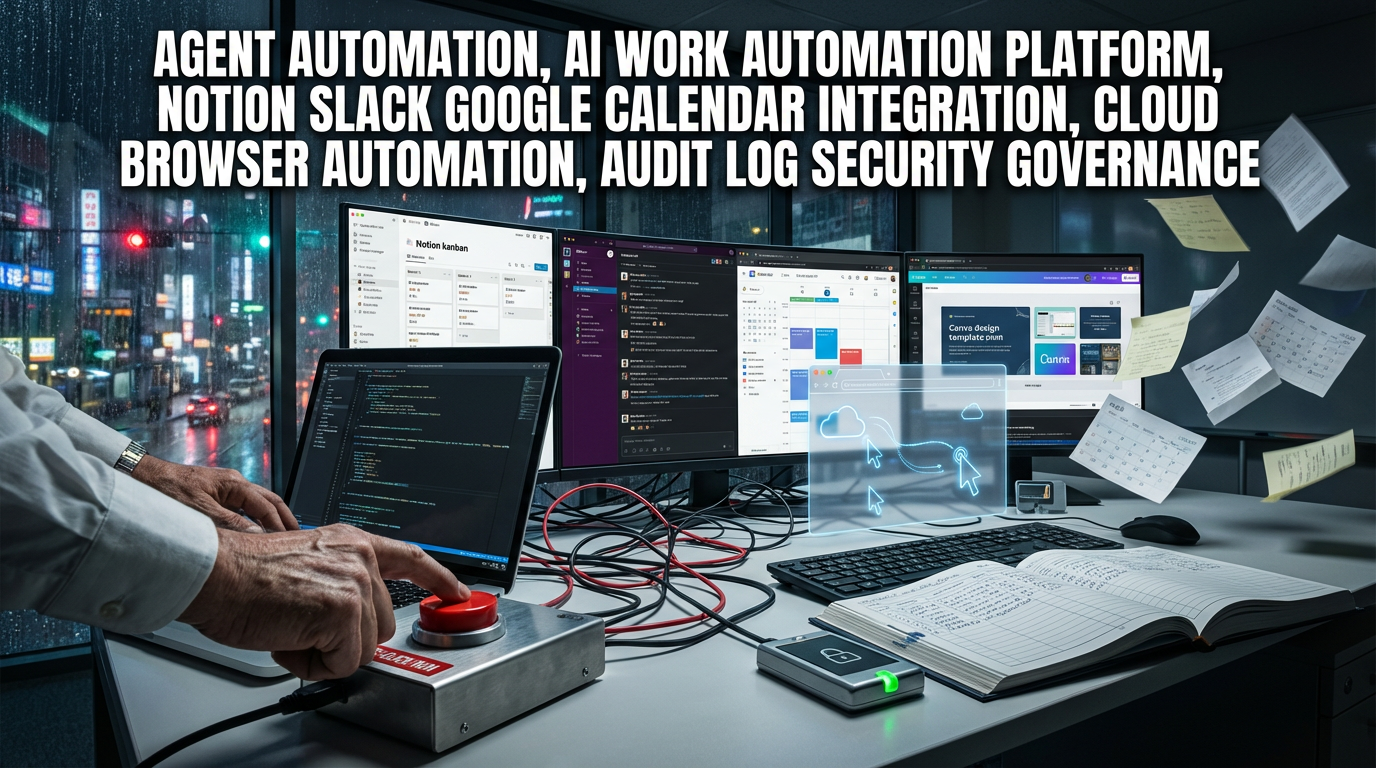
If Manus AI connects apps like Notion, Slack, Google Slides/Calendar, and Canva via MCP,
a single complex instruction from the user is executed in sequence inside the actual apps — clicking/downloading/writing/sharing/scheduling and so on.
Similar things were possible before with automation tools like n8n and Make.
But the difference is whether it’s “automation where humans design and chain workflows”
or “an agent that has screen access and permissions and performs tasks autonomously according to context.”
This difference is the point that changes the rules of the productivity game.
2) Dissection of the real scenario (work prompt) from the original article
The user’s instruction had this structure.
- Find “China AI-related project documents” in Canva
- Download as PDF → review the contents
- Research/analyze the latest news on three Chinese competitors (e.g., DeepSeek, etc.)
- Organize into a report format in Notion
- Share in the corporate analysis channel on Slack
- Create a Google Calendar event for executive reporting
This is important because it ties the entire “workflow” together, not just a simple summary.
Research (information gathering) → Documentation (organization) → Collaboration (sharing) → Scheduling (execution management) are connected in one go.
3) 1.6 Max update points: the phase from “demo” to “operation”
According to the original article, the perceived performance improved significantly in 1.6 Max,
with roughly a 19%+ improvement mentioned in benchmarks and blind tests.
The real meaning here is less about the numbers and more that the error rate has decreased and the completion rate has increased.
Everyone can show automation up to about 80%.
But it fails at the last 20% — logins, pop-ups, page transitions, app switching, attachments/sharing, etc.
When that completion rate rises, ROI starts to be calculable.
4) Core point technology keywords: MCP + cloud browser (an execution environment that retains permissions)
The cloud browser feature was the most striking thing mentioned in the original article.
Many AIs get stuck in web automation because of logins/permissions/bot detection, and Manus appears to operate using a browser environment that maintains logged-in sessions.
There was a demo claiming it actually performed actions like “posting a comment on a YouTube video,”
which suggests this is closer to a combination of RPA (robotic process automation) + agents than simple text-generation AI.
In other words, it feels like it’s shifting from a ‘good talker AI’ to a ‘task-doing AI’.
5) Running the automation “every day at 3:30 PM”: this is where the game changes
The truly scary (in a good way) point in the original article is this.
Not just a one-off demo — they tied it into automation that runs at a set time every day.
Once you reach this stage, it has an effect similar to hiring a person for the company.
It performs daily competitor/market research at the same time every day,
records insights as documents,
distributes them to team channels,
and connects everything to executive reporting schedules.
6) The most important things other YouTube/videos/news rarely mention (the essence from a practical standpoint)
6-1. The essence of an agent is not ‘automation’ but ‘delegation of authority’
Connecting Notion/Slack/Google/Canva is not a convenience feature —
it is delegating part of company work permissions to the AI.
So what you really need to check is not “what it can do” but “what you have prevented it from doing.”
6-2. Design the human control points in advance to avoid incidents
The original article also raised the concern “what if the AI behaves strangely without me knowing?”
In practice, it’s safer to put human approval (or at least notifications) at these three points.
- External outbound actions (sending Slack messages, emails, posting/uploading)
- Creating/changing events (Google Calendar has high risk for conflicts with executive schedules)
- Paid transactions/purchases/subscription changes (risk increases with cloud browser + logged-in sessions)
6-3. Without audit logs, corporate adoption will eventually be blocked
If there is no logging system that records who did what, when, and why, security teams/audit/legal will ultimately intervene.
As global firms tighten AI governance, agent tools are selected less for ‘features’ and more for ‘recording/tracking/permission management.’
6-4. Cost issues are not “expensive or cheap” but about tokens=inference=electricity/computing
The original article also mentioned “it takes a long time = uses many tokens = consumes a lot of computation.”
This ultimately ties into AI infrastructure demand (cloud, GPUs, data centers).
So view this market not just as SaaS but as one that moves together with rising cloud computing demand.
7) Global economic perspective: why this agent flow is a macroeconomic issue
7-1. Productivity shock: white-collar work is “disassembled → automated → reassembled”
Repetitive tasks like research, reporting, sharing, and schedule management are classic white-collar productivity areas.
If agents bundle these up and handle them, companies can run more decision cycles with the same headcount,
which can affect labor productivity metrics over the medium to long term.
This trend is likely to grow alongside AI investment.
7-2. SaaS market structure change: an agent layer sits on top, not just “tools”
Notion, Slack, Google, and Canva are each excellent tools,
but if an agent orchestrates from above, users will care less about “which app they use.”
Value then shifts from the app itself to the agent (execution/permissions/workflow) layer.
This is the starting point of platform competition.
7-3. Security/regulation/governance industries grow along with this
As permission-delegating AI spreads, companies will add more security, access control, DLP, audit logs, and compliance tools.
In short, “as AI spreads, security budgets rise too.”
This ties into IT spending in the short term and digital transformation trends in the medium to long term.
8) For practitioners: three agent automation templates you can use right away
8-1. Competitor/market daily briefing (expanded version of the original workflow)
- Find baseline materials in Canva/internal documents
- Cross-check external news from 3–5 sources
- Save in Notion with a fixed format: summary/key takeaways/risks/action items
- Share to a Slack channel + importance tags
- Automatically generate a weekly summary slide draft on Fridays
8-2. Executive report auto-preparation (schedule-material-sharing in one flow)
- Create calendar event (human approval step required)
- Collect links to the latest version of reports
- Automatically send reminders to attendees via Slack/email
8-3. Design-view based “content production” automation
The design view in the original article seemed strong for image editing like an interior layout.
In practice, this maps directly to marketing assets/thumbnails/internal presentation images production.
9) Risk checklist (you will have incidents if you skip these)
- Permission scope: Have you minimized Notion/Slack/Google account permissions?
- Approval steps: Are external sharing/posting/calendar changes gated by human approval?
- Session management: Do you have policies to expire/revoke cloud browser sessions?
- Data policy: Have you set rules to prevent sensitive information (customer/financial/HR) from entering prompts?
- Logging/tracking: Is there a record of who ran which automation?
10) Cost/cost-effectiveness points: the way to “use it cheaply” is ultimately ‘task selection’
The original article also mentioned cost as a downside.
Agent-style AI consumes more computation than simple Q&A, making billing grow quickly.
So the tips are simple.
- Limit daily-run tasks to “standardized outputs (templates)”
- Reduce unnecessary browser exploration and predefine input data (links/document locations)
- Cut rework costs by gating only the final external sharing step with human approval
Keyword trends to watch from an SEO perspective (market trends)
This trend is not just a tool review —
AI agents, workflow automation, productivity improvement, digital transformation, and cloud computing are moving together as a single bundle.
Viewing these five axes together makes it clearer why this is rising now.
< Summary >
Manus AI 1.6 Max evolved into an agent form that can connect Notion·Slack·Google Calendar·Canva via MCP and perform one-click automation from research→report writing→sharing→schedule creation.
The core point is not a list of features but ‘delegation of authority + cloud browser-based execution,’ and successful practical adoption requires designing approval steps, audit logs, and permission minimization.
This trend is likely to accelerate corporate productivity improvement and digital transformation, and drive demand for cloud computing while expanding the security/governance market.
[Related articles…]
- Work Automation Changed by AI Agents: 2026 Practical Implementation Roadmap
- Surge in Cloud Computing Demand: Data Center and GPU Investment Points in the AI Era
*Source: [ 월텍남 – 월스트리트 테크남 ]
– 누구나 가능한 AI에이전트 자동화..노션 슬랙 구글슬라이드 캔바 모두 묶어서 원클릭에..ㄷㄷ