● Windows AI Agent, Convenience Trap, Remote Control, Token Leak, Security Nightmare
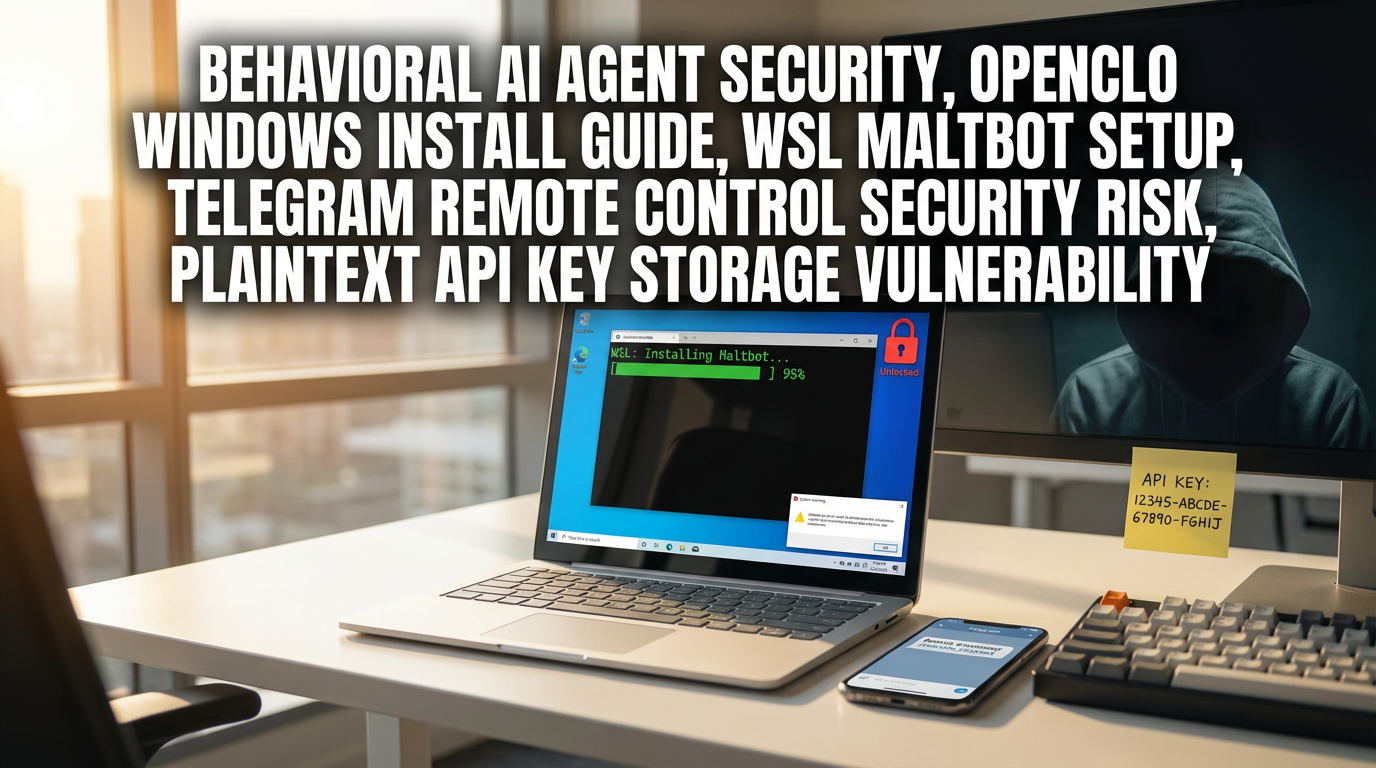
After installing “Maltbot (=OpenClaw, formerly ClaudeBot)” on a Windows laptop… what I felt before “convenience” was a “security hole.”
In today’s post, I summarized everything below in one place.
1) Why installing OpenClaw (Maltbot) on Windows keeps getting blocked (permissions/policy issues)
2) A practical step-by-step flow for bypass installation via WSL (Linux)
3) What it means structurally to “remotely control my laptop” through Telegram
4) The most dangerous security points actually confirmed (API keys stored in plaintext, messenger token exposure, etc.)
5) The minimum isolation strategy to “test safely” (Mac mini/VM/WSL differences)
6) How to remove it (and why you must delete settings/memory data together)
1) News summary: The trending “action-oriented AI agent” can run on Windows too
The essence of this issue is not “generative AI that only answers,”
but the fact that AI agents that actually execute actions such as moving/deleting files, organizing folders, web searching, and messenger integration have come down to the mass-market level.
OpenClaw (formerly Maltbot/ClaudeBot) drew explosive attention on GitHub (MIT License),
connecting multiple models (e.g., Google Gemini, etc.) and messengers (Telegram/Slack/Discord)
and quickly spreading the concept of “using phone chat to make my PC do work.”
2) Key takeaway: Why installation on Windows keeps getting blocked = “normal security defenses”
Following the video flow as-is,
the OpenClaw one-liner (single-line install) often doesn’t work right away on Windows.
Typically it gets blocked in PowerShell due to the script execution policy (Execution Policy),
or a series of errors follows, such as conflicts with Node-related executables.
Paradoxically, this is an important signal.
Windows is applying a default defense saying “this could be risky,”
and users end up weakening policies (=choosing a lower security level) or using bypass routes to get around it.
Just as markets more quickly accept risk in a phase with expectations of interest rate cuts,
with AI agents, “it looks convenient so I’ll allow it for now” can happen far too easily—and that’s the problem.
3) The Windows practical Plan B: Bypass installation via WSL (Linux) is the most “somewhat” stable
In the video, the method ultimately chosen is this.
– Run Windows PowerShell as administrator
– Install WSL (run a Linux environment inside Windows)
– Run the OpenClaw install command in the “WSL environment”
– Proceed with basic setup via Quick Start
In short, it’s an approach of “since it won’t work on Windows, wrap it once with Linux (more mac-like friendly) and install.”
However, this is not perfect network isolation,
and because it’s like building another house inside the same PC, it does not reduce “escape possibility” to absolute zero.
This is similar to how, when the global supply chain breaks, you create an “alternative route,” but the risk is not completely eliminated.
4) The most shocking demo: Through Telegram, it can even “move and delete my laptop files”
Once installation and Telegram integration are done, it becomes immediately tangible.
If you send a command from your phone (Telegram chat),
the PC can actually read folder lists, move files, and even delete them.
In other words, because it’s a structure combining a “remote control tool + LLM,”
it’s extremely powerful from an automation perspective,
and from a security perspective, the moment you hand over permissions, the probability of an incident rises sharply.
This kind of automation can greatly boost productivity for companies,
but if internal controls/auditing/permission management don’t mature alongside it, it backfires.
5) Security issues summary: The core point is not “it’s dangerous so don’t use it,” but “why it’s dangerous”
If you neatly summarize the risks found/pointed out in the video by item, it’s as follows.
① API keys/tokens can be stored in plaintext
A scene shows API keys being stored in a config file (JSON, etc.) in a form that “looks encrypted but is actually usable immediately if you copy-paste.”
This can directly lead to a cost bomb (unauthorized calls), account takeover, or spam sending.
② Prompt injection (social engineering) risk
The video mentions ways to induce the AI to reveal sensitive information by giving it a pretext such as “security training” or a “game.”
If keys are stored in plaintext, this attack becomes even easier.
③ Irreversible execution like file deletion/movement
If you write commands ambiguously, the model may misunderstand and delete important files as well.
Assets like joint certificates, wallet files, and work documents—things that are “gone for good once deleted”—are especially problematic.
④ Messenger integration itself increases the attack surface
A Telegram bot token is essentially a “remote control key.”
If the token is exposed or the approval process is lax, both the account and the PC can become dangerous together.
⑤ Potential access to cloud-synced drives (e.g., OneDrive)
In the demo, it also queries information such as the number of OneDrive folders.
If company and personal data boundaries are mixed, the incident scope won’t end with “my laptop.”
This risk is like exchange rate fluctuations: “if a small crack appears, the ripple effect can be bigger than expected,”
so early response is truly important.
6) The truly important points that “other YouTube/news” often don’t say
From here is the core point, but many pieces of content end at “it’s dangerous/it’s scary.”
However, what’s more important is separate.
Point A: The essence of security is not “hacking,” but “delegation of authority”
Most people first think “I’m worried about being hacked,” but with action-oriented agents like OpenClaw,
before that, the user has already voluntarily handed over
administrator privileges, file access, and messenger tokens by design.
That is, incidents can occur even without an external attack (malfunction/misinterpretation/mistakes/excessive automation).
Point B: WSL is a “convenience compromise,” not “security isolation”
As the video says, it’s like “building a hamster cage inside the same house.”
The most dangerous moment is when people use WSL and feel like they “isolated” it.
True isolation is closer to a VM (virtual machine) or a separate physical PC (e.g., a Mac mini).
Point C: Storing API keys in plaintext directly translates into cost risk (=financial damage)
When people talk about security, they usually think only of personal information, but with generative AI APIs,
exposure often leads straight to “immediate billing.”
In other words, data leakage + a cost bomb can explode at the same time.
This is similar to a pattern often seen in U.S. stocks:
“Growth potential (convenience) is big, but risk is not properly priced in”—the early stage is the most dangerous.
7) If you still want to try it safely: Recommended operating method (realistic minimum)
The video’s conclusion also goes largely in this direction.
1) Never install it on your main PC
Test only on an experimental PC (a secondary laptop) or a fully separated environment.
2) Apply a network-segmentation mindset
– Move only “the outputs produced by the agent” to the main machine
– Minimize connections to OneDrive/Google Drive/email/password managers
3) For messenger integration, consider even the “token leak scenario”
If bot tokens/approval codes are managed poorly, it’s simply a remote-control key leaking outside.
4) Start with rules that forbid destructive tasks like “delete/move”
At first, it’s safer to use only “reversible tasks” such as querying/organizing/researching.
8) Deletion (clean removal) also matters: Removing just the program may not be the end
The point emphasized in the video is good.
– Stop running processes first (Stop)
– Remove it with the global uninstall command
– Finally, forcibly delete even the folders where settings/memory/chat logs remain (rm -rf, etc.)
Many tools leave configuration files behind even after “removing the main body.”
If API keys/tokens remain in there, that can snowball into a bigger problem.
9) My concluding view: The “AI agent trend” can’t be stopped. Instead, “operating 방식” will decide victory or defeat
Regardless of whether OpenClaw itself is perfect,
what people wanted was not “AI that only speaks well,” but “AI that actually goes and does what you ask,”
and that demand is now a hard-to-reverse flow.
However, right now the technology is moving too fast, and basic safety mechanisms are not mature,
so from the standpoint of individuals and office workers, “isolation + least privilege + minimal integration” is effectively an essential strategy.
< Summary >
OpenClaw (Maltbot) is an “action-oriented AI agent” that remotely controls a PC via messengers like Telegram, so its impact is huge.
On Windows, installation is often blocked, so many people bypass it with WSL; after Telegram integration, it can even query/move/delete files.
The biggest risks are the possibility of API keys/tokens being stored in plaintext, prompt injection, destructive execution due to malfunction, and Telegram token leakage.
To test safely, the core point is: never use your main PC; use an isolated environment (secondary PC/VM/Mac mini); apply least privilege and minimal integration; and during removal, perform a clean uninstall by deleting configuration folders as well.
[Related posts…]
- AI agent security checklist: 10 things you must never miss on company/personal PCs
- WSL vs VM vs Mac mini: For AI development and automation test environments, which is safest?
*Source: [ 티타임즈TV ]
– 맥북 아닌 일반 윈도우 노트북에 몰트봇을 깔아봤습니다(a.k.a 오픈클로, 클로드봇)