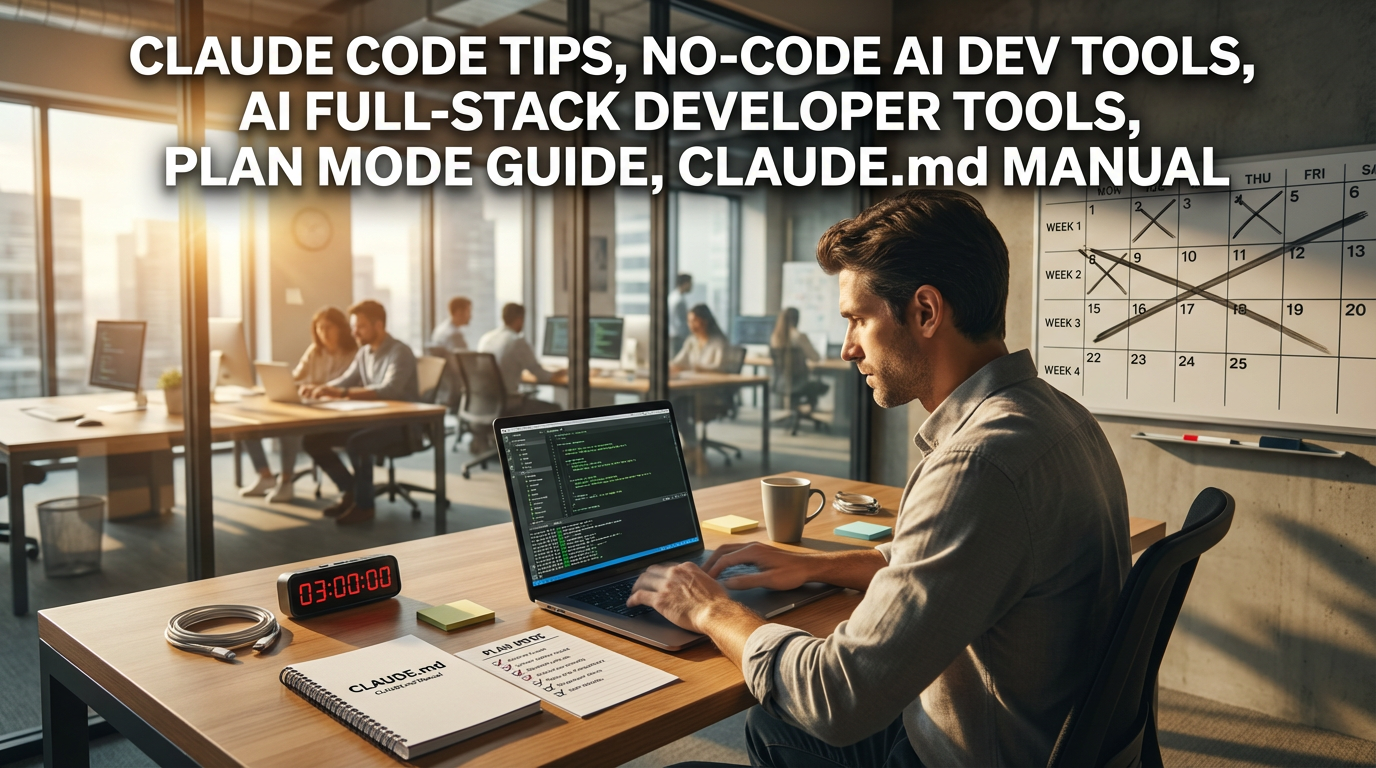
● AI Coding Revolution Slashes Costs, Crushes Two-Week Workloads in Three Hours
A World Where You Become a Developer Without Coding: How to Finish 2 Weeks of Work in 3 Hours with Claude Code
If you clicked this post, you’re likely already sensitive to AI trends. However, what I’m introducing today isn’t just about a simple AI chatbot.
Now, AI has moved beyond the role of an ‘assistant’ and entered the realm of a ‘developer’ who directly creates products.
In particular, how to educate your own AI employee with a single file called CLAUDE.md, and the secret to creating failure-free results through Plan mode, are core points that are rarely shared elsewhere, so make sure to take them with you.
I will perfectly summarize this from a practical perspective, not just stopping at “it’s fascinating,” but showing how solopreneurs or office workers can extract value far exceeding their ‘salary’ with this tool.
1. From Cowork to Code: Evolving from an ‘Ordering’ Assistant to a ‘Creating’ Expert
If what we were excited about last time was an ‘AI Assistant’ like Claude Cowork, the newly emerged Claude Code is on a different level.
Simply put, while existing tools were assistants that handled ‘repetitive tasks’ like organizing receipts or summarizing meeting minutes, Claude Code is an ‘AI Full-Stack Developer’ that actually produces results when you say, “Make a website” or “Build a data dashboard.”
Key Difference:
- Existing (Cowork): GUI-based, organizes and summarizes existing files. (Assistant role)
- Current (Code): Terminal (CLI)-based, builds new websites or systems that didn’t exist. (Developer role)
Especially for solopreneurs or prospective founders, this is a revolution. It means you can lower costs from spending 2 million KRW on landing page outsourcing or 5 million KRW on simple app development to the level of $100 per month (based on Claude Max plan).
It’s essentially hiring a skilled developer who works 24 hours a day for around 100,000 KRW per month.
2. Vibe Coding: “Speak and It Becomes Reality”
Have you heard the term ‘Vibe Coding’? It refers to a method where AI codes for you when you explain it in natural language (the way we speak), even if you don’t know a single line of code.
Existing tools like Cursor or Copilot were closer to ‘autocomplete’ functions helping developers. They gave you the parts, but a human had to assemble them.
However, Claude Code understands the entire project.
If you input “Make a calculator website,” what happens?
- Generate HTML structure
- Apply CSS design
- Implement JavaScript logic
- Testing and debugging
It creates a To-Do List by itself and proceeds sequentially through all these processes. There are actual cases where website production that would take 2 weeks was finished in just 3 hours.
You now have the speed to create a prototype (MVP) and check the market reaction as soon as an idea strikes.
3. CLAUDE.md: The ‘Perfect Work Manual’ Given to the AI Developer
This is the most important core point of today’s post.
The secret to using Claude Code 10 times better than others lies in managing the CLAUDE.md file.
Consider this as Claude’s ‘long-term memory’ storage and ‘work handover document’.
With general chatbots, doesn’t the AI forget previous context as the conversation gets longer, or do you have to explain “our project is like this” every time?
But if you create a CLAUDE.md file in the project folder, Claude Code reads and masters this file first every time it runs.
Example of contents for CLAUDE.md:
- Project Overview: “This is a customer management tool for solopreneurs.”
- Coding Rules: “Comments must be in Korean.”, “Test codes are mandatory.”
- Command Guide: “Use ‘npm run build’ when building.”
If you type/initin the terminal, the AI even generates this file for you.
If you manage this single file well, you don’t need to repeat the same instructions, and perfect context grasping becomes possible with just one phrase: “Add a signup function.”
4. Plan Mode: A ‘Plan First, Execute Later’ Strategy to Reduce Failure
When you order development or tasks, asking blindly “do this” often leads to unexpected results, right?
Claude Code has a powerful feature called Plan Mode. (Shortcut: Shift+Tab twice)
When you turn on this mode, Claude doesn’t code immediately but sets up a plan first.
“Analyzed user request. I will proceed in the order of 1. DB Design -> 2. API Implementation -> 3. UI Production. Do you approve?”
It asks like this. Going further here, you can utilize “Interview Techniques.”
If you say, “Ask me all necessary questions before implementing,” it digs into technical difficulty or design preferences. In this process, the plan in your head becomes concrete, and the AI obtains precise specifications.
It’s a core function to reduce the cost of failure, to the extent that Anthropic (Claude’s developer) insiders say they spend 90% of their work in this Plan Mode.
5. 5 Tips to Maximize Practical Efficiency (How to Save Money)
Since Claude Code is based on paid usage (token billing), using it efficiently is the way to save money.
- @File Reference: Speak by specifying a specific file like
@index.js. It prevents token waste by not touching unrelated files. - !Immediate Execution: If you attach an exclamation mark like
!git status, the AI executes the command immediately without needing to interpret it. It’s fast and saves costs. - ** /compact (Compression):** If the conversation gets long, don’t delete it with
/clear, but use/compact. It remembers the conversation by compressing it while maintaining the core context. - Utilize Images: Don’t explain error screens or desired designs with words; insert a screenshot (Ctrl+V). It’s more accurate than a hundred words.
- HANDOFF.md (Handover): If the work gets too long, say “Summarize what has been done so far in HANDOFF.md.” When you open a new session later, just reading this file allows work to continue immediately.
< Summary >
- Evolution: Claude Code is not a simple assistant, but an AI Full-Stack Developer tool that builds entire projects.
- Speed: Capable of completing 2 weeks of work in 3 hours with ‘Vibe Coding’, which codes when commanded in natural language.
- Core Point 1 (CLAUDE.md): A manual file that stores project rules and context, inducing high-quality results without explaining every time.
- Core Point 2 (Plan Mode): A mode that reviews the plan and design first instead of executing blindly, minimizing trial and error and costs.
- Practical Tips: Utilize
@File specification,!Immediate execution,/compact, andHANDOFF.mdto reduce token costs and ensure work continuity.
[Related Posts…]
1. Perfect Comparison of No-Code AI Development Tools Possible for Non-Majors
2. How to Reduce Solopreneur Startup Costs by 90% with Work Automation
*Source: https://eopla.net/magazines/39288#