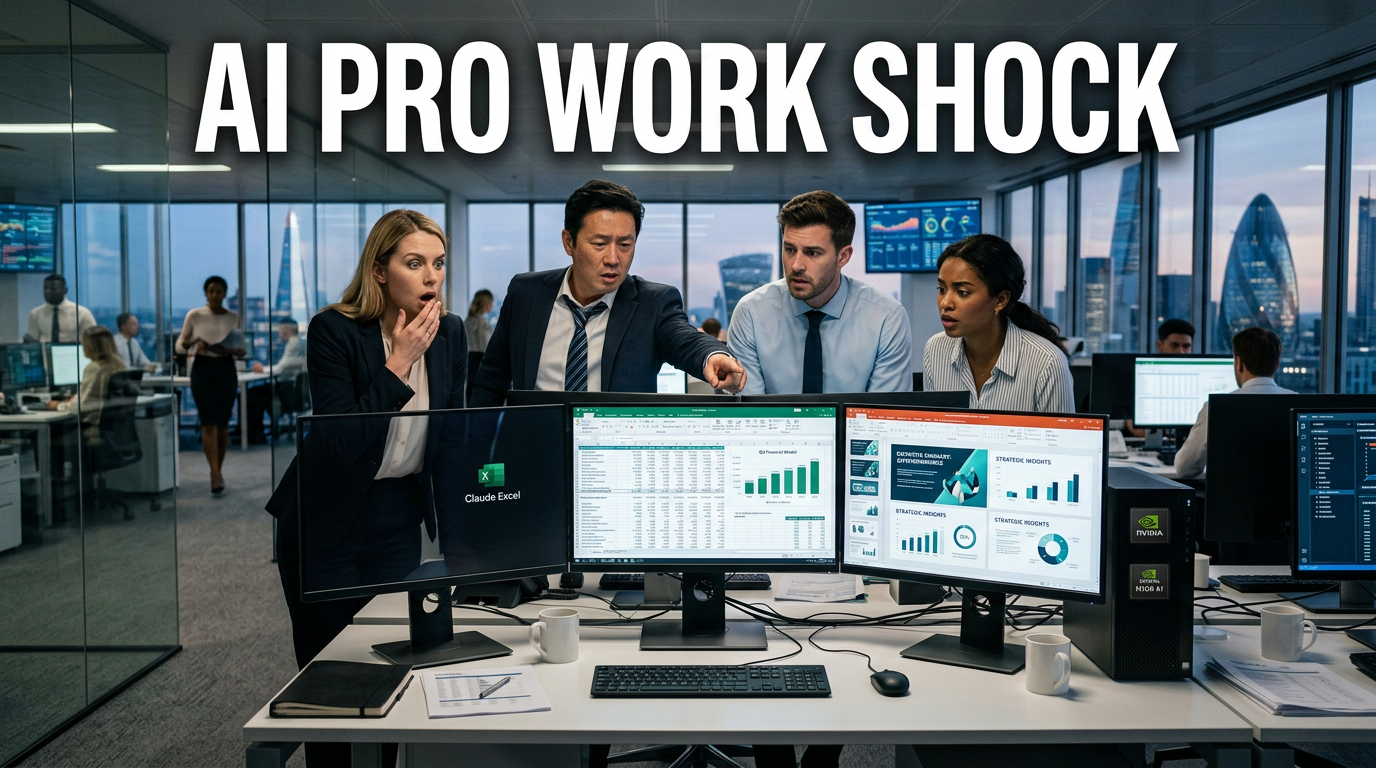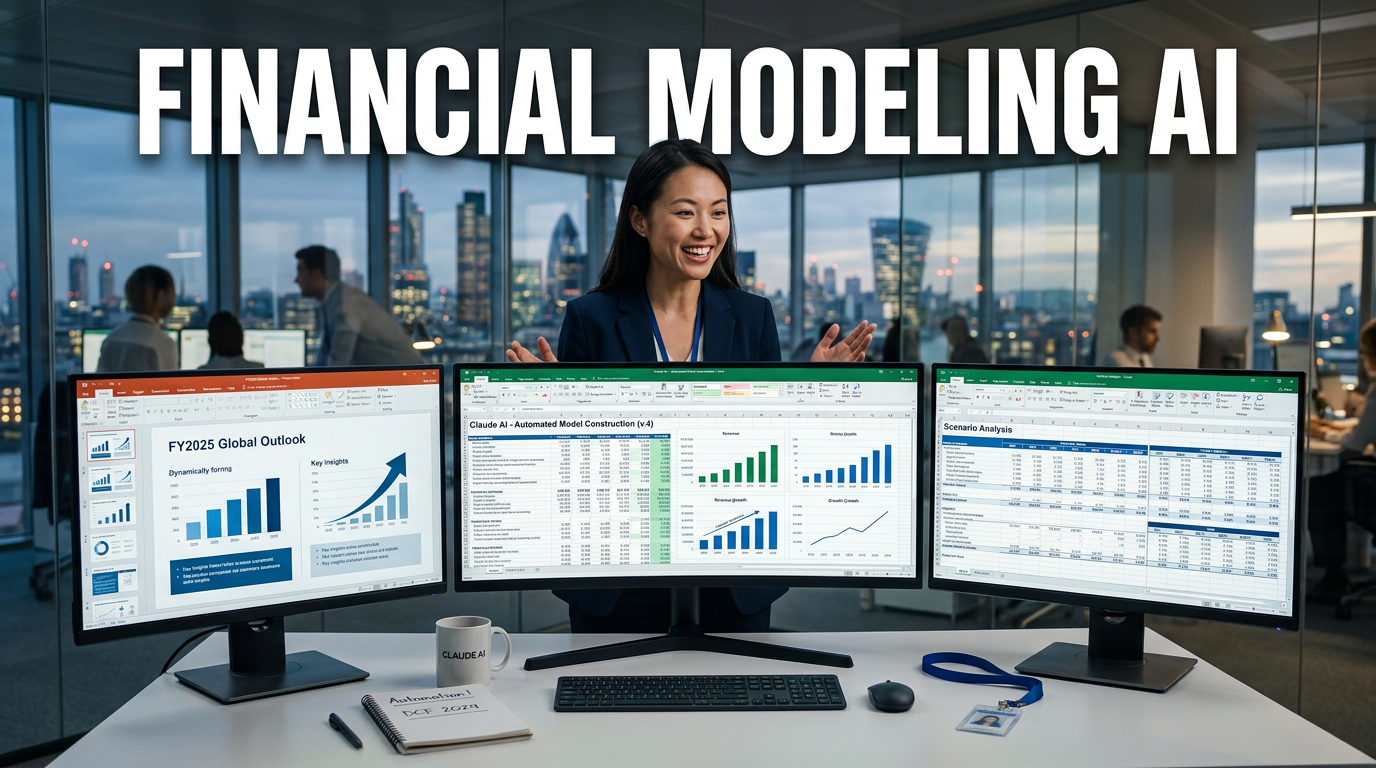
● AI Takes Over Excel Finance Modeling and PowerPoint Reporting
Claude turned Excel and PowerPoint into an “analyst tool”: financial modeling and visualization in a 10-minute sprint
Core point one-line summary (something you must take from this article)
-
The essence of this issue isn’t that “AI is good only at documents,”
it’s that it automatically generates financial forecasts (DCF, valuation), scenario analysis, and report-style outputs within Excel and PowerPoint. -
In particular, what matters most is that when the author actually builds NVIDIA’s five-year revenue estimates → DCF/valuation → sensitivity analysis → target stock price, Claude showed more sophisticated visualization and structure than ChatGPT, and you can see the flow of making what a human analyst would do over days into something close to done in 10 minutes.
-
And the argument that comes next goes even further.
This kind of change isn’t just a passing trend—it suggests a real possibility of rapidly reshaping the productivity of economic professionals such as accounting, finance, and investment (financial modeling). -
Lastly, from the “APEX AI Index” perspective on test metrics, remember that the author added the outlook that professional gaps could shrink significantly within the next year.
-
The conclusion is only one thing.
The era where Excel was seen as a “technology” is over, and now it’s shifting to a form where AI either replaces Excel’s work or where AI controls Excel.
Why all the commotion now: the “office automation” stage has changed
1) What Excel is being learned/written for expands from “making tables” to “analysis + explanation”
-
Previously, copilots/document-style AI generally stayed at the level of
“text drafts” or “simple table generation.” -
But the key point emphasized in this article is
breaking down why the stock price rose 8% after a specific event, like an analyst would, and showing the results in Excel/PowerPoint. -
In other words, it evolved from simple calculation to
bringing in data (references), setting assumptions (scenarios), validating the model (DCF/valuation), and visualizing it in report form. -
The keywords that naturally come to mind here are
financial modeling (valuation), scenario analysis, DCF (discounted cash flow), and financial forecasting.
2) “PowerPoint too, all in one go” changes actual work costs
-
The author first downplays the “Microsoft Copilot experience” with a sense that it wasn’t “particularly satisfying,” and
-
then emphasizes that inside the office, Claude
automatically builds Excel work results into PowerPoint slides. -
In many forms of automation, it often ends at “only generating the result.”
But when it flows into a table/number → diagram → slide structure, the productivity boost becomes immediately tangible in real work. -
This is especially why this point is sensitive in accounting, finance, and IR/consulting.
3) ChatGPT vs Claude: “model structure and visualization completeness,” not “accuracy”
-
Based on the content of the article, the comparison looks roughly like this.
-
ChatGPT
-
You make the model, then you modify it a few times
-
There were mistakes in the part where you set the discount rate (WACC)
-
There were also points where it missed things like cell merging, etc.
-
Claude
-
It set up references (links) more accurately
-
It seemed to handle revenue forecasting and visualization/structure more robustly
-
Its target stock price (NVIDIA $326) came out quite close
-
What’s important here isn’t just “who got it more right.”
It’s how much it reduces the need to redo the parts that take up the most time in real work (organizing assumptions, connecting references, sheet structure, and report formatting). -
From this perspective, the meaning of Claude’s advantage ultimately connects to execution speed and reduced rework.
Economically “meaningful” changes created by office AI: accounting, finance, and investment work gets reshaped
1) The claim that the end point of “Excel work” for accounting/finance teams is getting closer
-
The article cites reactions from overseas communities and repeats the phrase “there’s a before-and-after world with Claude”.
-
The testimony tone especially points in this direction.
-
Accounting/finance teams’ workflow changed significantly after adopting the copilot (Claude) license
-
People who actually use it say it’s “far more overwhelming than expected”
-
Among people doing finance/investment modeling, a “sharp productivity surge” has been observed
-
Interpreting it from a blog perspective, it looks less like AI is replacing Excel, and more like
the cost of repetitive editing and structuring work that used to be done in Excel drops dramatically.
2) A warning that the gap could widen in the short term (within 1 year)
-
The author describes the gap between “people who use AI like a friend” vs “people who are complacent and don’t use it” as
something that could widen to an irrecoverable degree. -
Even if that warning is phrased emotionally, it’s actually explained through economic logic.
-
With the same headcount, you can produce more models/scenarios
-
If the validation/modification loop shrinks
-
Then the probability of getting “better decision outcomes in the same amount of time” increases
-
That means, at the team/organization level,
performance standards (work output volume, lead time, report quality) get automatically realigned.
3) Speed seen through “professional AI capability indicators”: APEX AI Index perspective
-
The APEX AI Index mentioned in the article is introduced as a way to score “productivity of intellectual work” such as Excel, PowerPoint, and document writing.
-
The key here isn’t the ranking or exact numbers—it’s “growth speed.”
-
Mentions like “GPT is #1 at 52.5%, Gemini at 48%”
-
Explains that Gemini was previously 34%, but that its increase over a short period was large
-
And the important conclusion claims:
-
In the next version, it could reach a 60–70% completion stage
-
Within 1 year, it could approach 80–90%
-
At the time, the evaluation tasks were “hands-on assignments” such as big law firm M&A cases, McKinsey Market Research, and IB analyst work
-
In other words, this isn’t about a simple chatbot—it argues that as evaluation shifts to solving work-type problems (modeling + research + reporting), the “downside floor of office-worker productivity” could close quickly.
How to use it right away in the field (tool accessibility)
1) Download via plugin/entry in the Microsoft marketplace
-
Based on the article’s content,
-
A Claude (Anthropic) Excel button in the Microsoft marketplace (in the form of an “entry”)
-
Install it into Excel in plugin form
-
You can also install ChatGPT through the same route
-
However, it mentions that a paid subscription is required
-
This point is more about “something that can be applied immediately in actual work” than “the technology is amazing,” so for people considering investing or adopting it, it’s a much more practical signal.
2) The trend of large-scale operations of AI agents (NVIDIA example)
-
There are also examples like NVIDIA “working with 7.5 million AI agents alongside 75 employees.”
-
What this means is
-
not automation in the far future, but
-
that inside organizations right now, AI tools are heading toward attaching next to people and dividing/executing work (agentization), rather than just “helping people.”
The “most important content” to整理 separately from the blog (points said less often elsewhere)
-
Most news/YouTube talk only about the surface-level thing like “AI does Excel.”
-
But the truly important part this article is getting at is these three things.
1) Rework reduction, not accuracy, is the core
- As “model completeness” rises, such as WACC/references/cell structure/visualization
- Human time shifts from “refinement” to “review + strategy.”
2) A workflow that carries from Excel → PowerPoint → report structure
- Doing calculations well alone may slow adoption
- But once it automates decision-making communication, adoption speed increases.
3) Competition in economic professionals’ productivity shifts from “sentences” to “work procedures”
- Rather than the ability to write good prompts
- The competitive edge becomes how fast the modeling/research/scenario/report production chain runs.
Outlook: it’s very likely that the board (the playing field) will change like this
1) Within 1 year, the meaning of “Excel proficiency” could be redefined rapidly
-
The value of people who simply know advanced Excel features will decrease, and
-
the value of people who validate AI-made models, judge the reasonableness of assumptions, and change strategy could increase.
-
In other words, the center of capability shifts from “tool operation” to “decision quality.”
2) More demand for scenario analysis in the financial sector (IB/research/risk)
-
If AI runs DCF and sensitivity analysis quickly,
the direction shifts stronger toward comparing multiple scenarios rather than just building “a single model.” -
Then the market’s data, assumptions, and validation framework (references/evidence) become more important, and
financial modeling, valuation, scenario analysis, and risk framing will likely become more standardized.
3) Document-style AI will keep improving, but what gets eaten first is “office work”
-
The article also judged that the “Excel/PowerPoint workflow” side is more felt than “document/copilot” experiences.
-
This trend is likely to continue for a while.
The reason is that the money-making parts connect immediately to
time savings + report completeness + faster decision-making.
Main content to convey (one-sentence conclusion)
- As AI turns Excel and PowerPoint into a “calculator + report generator,” the productivity standards for accounting, finance, and investment professionals are likely to be reorganized within a year.
< Summary >
- Claude demonstrated strength in a workflow that builds financial forecasting/DCF/scenario analysis in Excel and connects it through to PowerPoint
- Compared with ChatGPT, Claude was evaluated as having better completeness in references/structure/visualization (“rework reduction” is the point, not “accuracy”)
- Community reactions are cited showing that professionals in accounting/finance/financial modeling feel a big productivity boost after adoption
- From indicator-like metrics such as the APEX AI Index, the outlook is presented that professional gaps could shrink significantly within 1 year
- Since it’s installed via marketplace/plug-in approach, the barrier to adoption in real work is lowered
- The flow of large-scale agent operations within organizations is already underway, as shown in the NVIDIA example
[Recommended: click to read related articles]
- DCF and AI: How financial modeling could change starting next quarter
- The age of AI agents: how accounting/finance team work gets broken into and executed
*Source: [ 월텍남 – 월스트리트 테크남 ]
– AI가 변호사, 회계사 확실히 뛰어 넘었네요.. 역대급 신기능