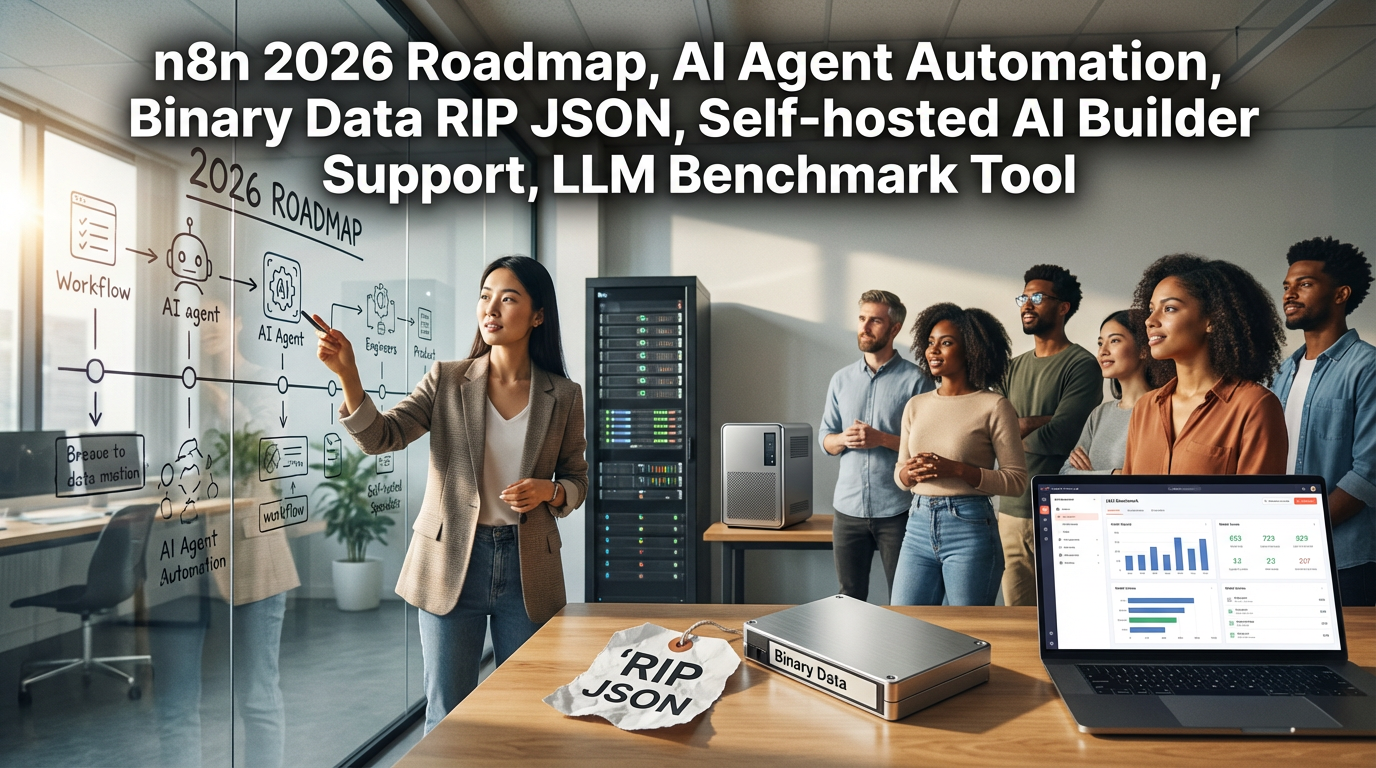

● n8n 2026 Roadmap RIP JSON Self-Hosted AI Builder LLM Cost-Cutter MCP RAG Cheatcode
This post contains all the important information that practitioners will have an ‘aha’ moment about, such as the core point of n8n’s 2026 roadmap: ‘The Revolution of Binary Data Processing (RIP JSON)’, ‘Support status for the Self-hosted version of AI Builder’, and the ‘LLM Benchmark Tool’ for cost reduction. In particular, the Cheat Code (MCP) when building RAG bots linked with Apify is information hard to hear elsewhere, so please stay focused until the end.
n8n 2026 Roadmap: The Landscape of Automation and AI Agents is Changing
The content covered today involves the 2026 vision and major updates recently revealed by n8n via livestream. It’s not just about a few added features; there are many significant changes that could completely alter the way we build workflows.
First, the core point of this announcement can be largely divided into three pillars.
- Cutting Edge of AI
- Mature as a Platform
- Ecosystem
I will pick out and summarize only the details that we, as practitioners in the workforce, absolutely need to know.
1. Evolution of AI Agents: “Goodbye, JSON!” and Human-in-the-Loop
The first thing to note is that the entry barrier for AI Workflow Automation has been significantly lowered.
1) Evolution of Human-in-the-LoopPreviously, inserting human approval in the middle of a workflow required complex logic. But now, you can very easily insert a ‘human review’ stage between the agent and the Tool. For example, the process where the AI asks a human “Is it okay to execute this?” right before deleting a DB or sending an important email has become much more intuitive. This is an essential feature for securing the stability of Agentic Workflows.
2) RIP $json: The Revolution of Binary DataThis is a bit technical, but it’s news that n8n users will cheer for. Dealing with binary data (images, files, etc.) used to be a headache because you had to use complex syntax like $json, right? That is disappearing now. You can now handle binary data just like text data with drag-and-drop. This will bring tremendous productivity improvements when creating Multimodal agents.
3) Self-Hosted Support for AI Workflow BuilderThis is truly big news. The ‘AI Workflow Builder’ function, where the AI builds it for you when you say “Make this kind of workflow” in natural language, was regrettably only available in the cloud version until now. They say they will decide and reveal how to support this feature in the Self-hosted version within this quarter. This is good news for companies using the installed version due to security reasons.
2. Platform Maturity: “The Save Button Has Disappeared”
n8n is now leaping beyond a simple automation tool to an enterprise-grade platform.
1) Autosave & Publish (RIP Save Button)Now, there is no need to press the ‘Save’ button. Like Google Docs, it autosaves, and the draft being worked on (Draft) is separated from the version actually running (Published). This means you can modify it to your heart’s content without worrying about accidentally breaking the currently operating workflow.
2) n8n Chat HubThe ‘Chat Hub’, a dedicated chat interface where internal staff can talk with AI agents created with n8n without knowing complex backend logic, has been strengthened. The Dynamic Credentials feature is scheduled to be added here; this is a core security feature that ensures when an external user uses the workflow, it runs with that person’s permissions, not my API key.
3. Core Point of Cost Reduction: Release of LLM Benchmark Tool
Although not covered well in other news, what I see as most useful for practitioners is this LLM Cost Optimization tool.
The new benchmark page (n8n.io/benchmark) revealed by Liam (Senior DevRel) does not just show model performance rankings.Based on hundreds of thousands of workflow tests, it tells you “Which model has the best cost-performance ratio for my workflow?”
For example, if you input “I use Tools frequently and there must be no Hallucination,” it recommends the model with the best performance and cost-efficiency under those conditions and even calculates the estimated cost. Don’t get hit with a cost bomb by using a cheap model that ends up using more tokens; make sure to utilize this.
4. Apify x n8n: The Ultimate RAG Bot
Finally, here are tips on building a RAG Data Pipeline that came out of the demo session with the Apify team.
Usually, when making chatbots, people often rely only on the LLM’s web search function, but this makes it slow and lowers accuracy. Apify finishes the process of scraping clean data through web scraping and putting it into a vector DB (like Pinecone) with a single n8n node.
Hidden Key Information: MCP (Model Context Protocol)The ‘Agent Skills’ and MCP CLI briefly mentioned by the Apify team are the real deal. When the AI agent doesn’t know which scraping tool to use, through MCP, the agent judges for itself, “Ah, I should use the Instagram scraper for this site,” retrieves the tool, and executes it. This is a cheat-code-like technology that creates high-intelligence agents without complex coding.
< Summary >
- Enhanced AI Accessibility: The process of human approval (Human-in-the-loop) between agents and tools has become easier, and binary data can be processed without complex code.
- Platform Upgrade: The ‘Save’ button has disappeared, and auto-save and version control have been introduced. Reviewing the introduction of the AI Workflow Builder for Self-hosted users as well.
- LLM Benchmark: Release of a tool that analyzes cost and performance in actual workflow environments, not just simple performance comparisons. Essential for cost reduction.
- Apify Integration: Supports connection with powerful dedicated scrapers far superior to LLM web search when building RAG bots. Advanced to the level where agents select tools themselves through MCP technology.
[Related Posts…]n8n Roadmap and the Future of AutomationBuilding Data Pipelines Utilizing Apify
*Source: n8n