● Claude Design Breakthrough
“I make almost any design you want” becomes reality: With the launch of Claude Design, PPTs, apps, and card news are produced at once
Today’s news key takeaway summary (grab this first)
In this update, the most important thing is threefold.
First, Claude Design, a new dedicated “Design” feature inside Claude, has been added, allowing you to produce everything in one continuous flow—from PPT/slide decks to mobile app prototypes, to Instagram card news.
Second, it’s not just pretty images; it extends all the way to automatic speaker note generation, export (PDF·PPT·HTML, etc.), and editing/comments, making it close to a “production pipeline for real work.”
Third, the part that feels even more daunting is that it aligns the consistency of the output by bringing over the brand tone and manner (colors/fonts/logos/components) as-is through a design system (GitHub·Figma integration).
So the conclusion is this:Deliverables that used to require design skills alone can now be produced by shifting to a direction where you only need “prompt + brand data.”
Claude Design: What’s new?
A new “Design” domain has appeared in the left menu of Claude, and within it, Claude Design has emerged as a separate feature.
The representative tasks you can handle here are summarized below.
- Prototype creation (wireframes/hand-drawn/high-resolution styles)
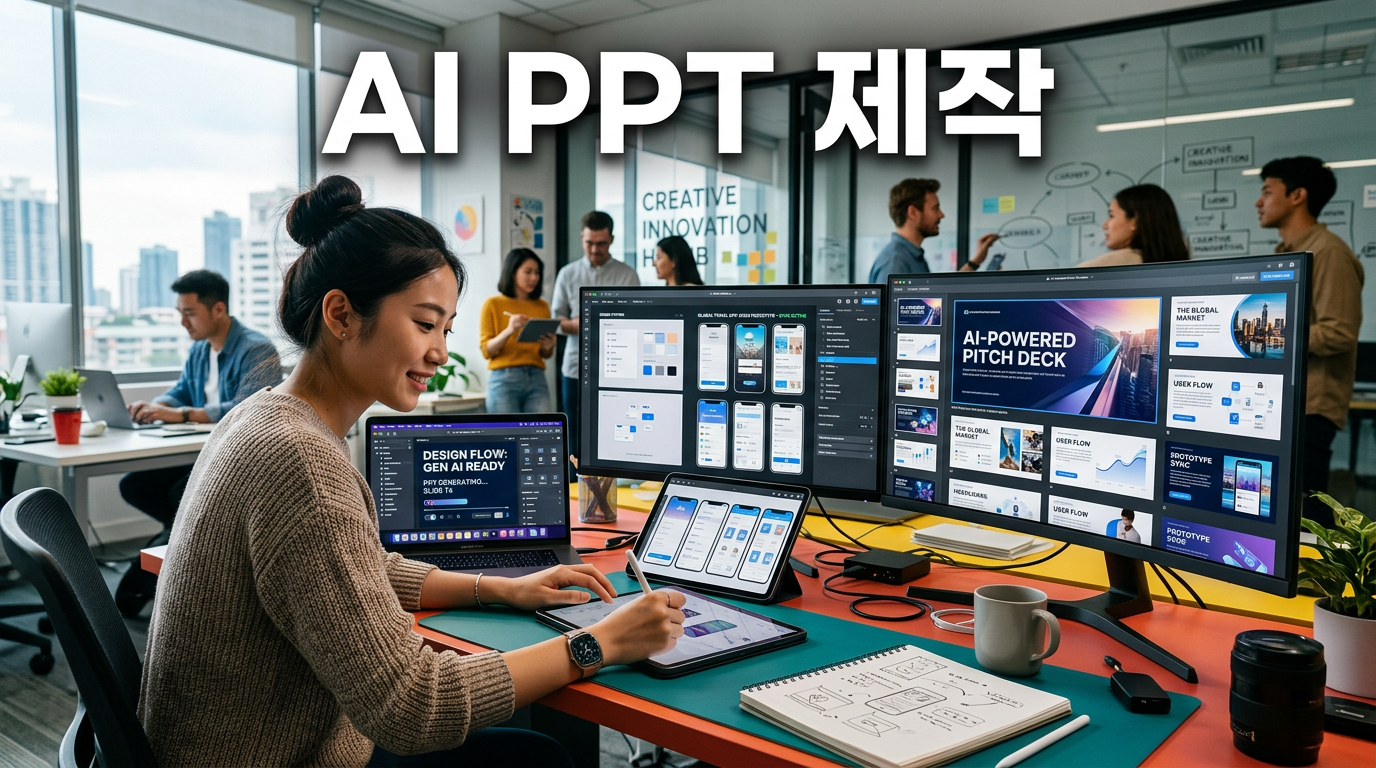
- PPT/slide deck creation (especially strong for lecture-style layouts)
- Template-based design work
- Design system setup (for maintaining brand tone and manner)
- Card news/social images (batch saved as PNG, etc.)
In other words, the key point is that it has expanded beyond “image generation” into a form that’s close to document/app/marketing content creation.
1) Context-engineering-level PPT production: auto speaker notes included
The first thing shown in the video was a hands-on practice of creating lecture PPTs.The user goes beyond just requesting, “Make me a PPT explaining that topic,”and a flow appears where they ask follow-up questions in sequence—conditions like audience/structure/number of slides—and then generate the output.
- Table of contents generation → sets “in what order to explain”
- Lecture slide layout composition → includes visual elements (diagrams/graphs/layout)
- Automatic speaker note generation → turns the actual presentation script into concrete speaker notes per slide
- Editability → supports repeated editing such as show/hide, comments, and figure edits
And what’s important is not just “producing something that looks plausible once,”but the fact that it can be moved to various formats (PDF, PPT, Canva, etc.) via export—or even to HTML and code.
From a practitioner’s perspective, this is the real, tangible standout point.The speed of producing reports/training materials increases, and reuse becomes easy.
2) Mobile app prototypes: designing for iOS + Android at the same time
Next is prototype creation.Here, you can build not only wireframe-based outputs, but also more advanced ones,and after setting up the design system, it outputs the screen structure itself “according to brand specifications.”
- Input methods: sketch/codebase/screenshots/Figma files, etc.
- Device coverage: supports iOS & Android frames together
- Screen layout: suggests and lets you choose 2–3 recommended layouts
- Condition reflection: incorporates detailed requirements into the prototype, such as alignment methods and conditions by category
- Transition/interaction options: diversifies via things like a “Tear/Design toggle” (e.g., trick features)
- Review: scenes also appear that include steps like “eye review”
In the video, the example is a “closet (camera capture) → a curation recommendation app” prototype.The AI creates the screen structure,and it was demonstrated by switching components like buttons/grids/hanger views via toggles.
Furthermore, there’s also an implication that you can export this prototype, ormove it over to Claude Code and implement it for real.(Meaning: it shows the possibility of connecting design to development.)
From a real-work standpoint, it’s a big change that “design” isn’t the end anymore,and it can lead to deliverables at a level where development can start.
3) Design system integration: brand tone is brought in “as-is” with GitHub·Figma
The most shocking part in this update is in this section.When setting up the design system, if you connect things like GitHub links, Figma files, and assets such as folders for logos/fonts/components,Claude Design matches the brand look based on that.
- Company name/description-based context setup
- GitHub connection: brings design references (components/specs)
- Figma file connection: reflects Figma design tokens/styles
- Fonts/logos/colors/spacing/components stored and reused
And in the actual output, there’s a confirmation scene where it shows that “the homepage came out with the same colors/fonts/icons.”
This matters because:Previously, even if what AI made was pretty,brand consistency would break, and hands-on work in real settings consumed a lot of effort.
But now, with “brand data” provided, consistency follows along,and it’s evolving toward reducing production costs and revision costs.
4) Instagram card news: complete all 5 pages with target/tone/structure—batch save as PNG
Card news creation was the part you could feel immediately in the video.The user requests, “Create card news about Claude Design,”and then,
- Purpose: Instagram upload
- Limit: 5 pages
- Audience: AI beginner office workers/people who aren’t developers
- Core angle: around a tutorial level
- Tone and manner: impactful
- Typography-centered layout
- Call to action: inquiries for corporate training
- Final output format: PNG images
With these conditions included,the cover/layout/development are generated all at once as a set of 5 card pages.
And when you get a result you like, there’s a flow where it’s basically finished right away with image replacement and batch saving.In the video, the part where it “came out exactly as PNG” is emphasized.
5) Impact on the “design industry/marketing agencies”: duality (crisis + opportunity)
The perspective covered toward the end of the video is also important.
- Crisis: For companies/agency firms with many resources, the range of tasks that can be replaced by AI expands, which may increase competition
- Opportunity: Small businesses and solo startups that weren’t good at design can get “wings” instead
- Shift: Marketing agencies may pivot from “content production itself” to “AI practical training and AI marketing operations.”
The key is that it shouldn’t be viewed as “AI does everything,”but rather that people’s roles are being rearranged around strategy/planning/review/brand definition.
The 5 most important points you can only see in this news
- Design has expanded from “images” into a “document/app/content production pipeline”
- PPT includes speaker notes → toward covering presentation operations as well
- Prototypes support iOS + Android at the same time → faster planning-to-validation
- Design system integration is the key to reducing real-work bottlenecks (brand consistency)
- Card news outputs target/tone/structure/format in one go → shortening the lead time for marketing production
Actions companies/individuals should take right now (checklist)
- Organize brand assets: prepare logos/fonts/colors/components/guide documents in a form that can be integrated
- Standardize templates: define templates first for repeat content like PPTs, card news, and landing pages
- Design a review process: lock quality standards for AI outputs (tone, accuracy, formatting) into documentation
- Run practical integration tests: have the team experiment at least once with passing design deliverables into code/development tasks
- Create productivity metrics: track production time, number of revisions, and publish lead time numerically
Once this process is in place, it’s not just “receiving what AI made,”but you can actually build an AI-era productivity loop.
Today’s conclusion based on SEO keywords (insert naturally)
This flow is directly tied to productivity innovation based on generative AI, and at the same time it can be read as a signal that AI design workflows are expanding into documents/apps/marketing.Also, the design system perspective—connecting brands through data—has become important, and ultimately, how to execute AI transition could become the decisive factor.
< Summary >
As Claude Design was newly released for Claude, it becomes possible to produce PPTs (including speaker notes), mobile app prototypes (iOS/Android), and Instagram card news in one continuous workflow.Especially, the key change is maintaining brand tone and manner (colors/fonts/components) through design system integration with things like GitHub and Figma.So even if your design skills are lacking, the opportunity to quickly produce real-work deliverables has grown, and agencies/producers may have their roles repositioned toward strategy, review, and brand definition.
[Related posts…]
- The core of the 2026 AI design workflow that ClaudeDesign will change
- Why design systems become the deciding factor for “brand consistency” in the age of generative AI
*Source: [ AI 겸임교수 이종범 ]
– 클로드 디자인(Claude Design) 등장! 앱 프로토타입·인스타 카드뉴스·PPT 다 만드는 올인원 AI