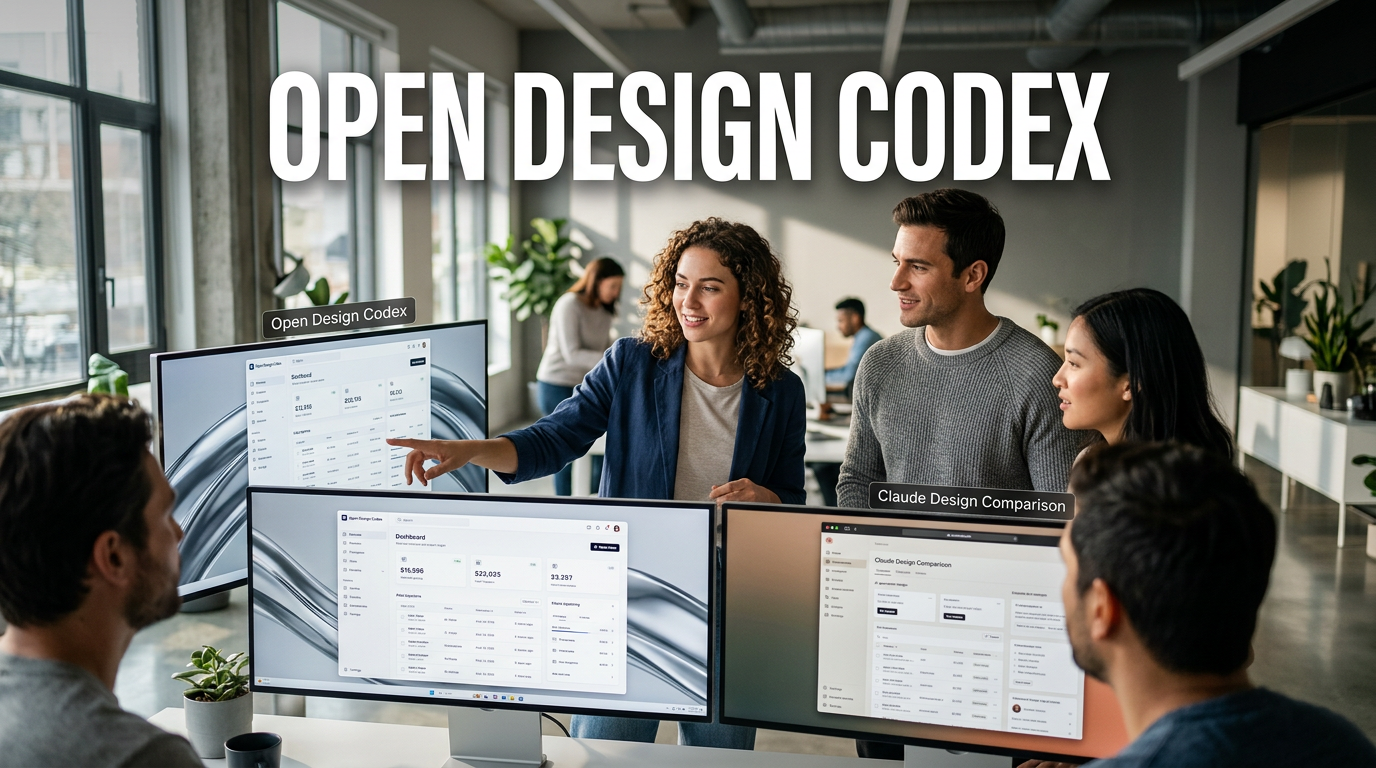
● Cortex Design Outperforms Alternatives
The core point behind why an Open Design + Codex combination beats “Claude Design” (Website completion vs PPT speed comparison news)
First, 3 lines of conclusions you must see today! (Website: OpenDesign, Speed: Claude)
1) In website completion, the flow shows Open Design (open source) coming out more solid
2) In work speed, Claude Design definitely responds faster
3) PPT/slide work is, by feel, a pattern where Claude Design is more advantageous
The more important thing here isn’t just “which of the two is better,” but that a comparison framework has been laid out showing how a method of attaching Open Design to Codex and running it for free actually splits performance/results.
This article reorganizes the content into a news-style format so readers can judge it right away based on the original material.
News summary: Attach Open Design to Codex to run free AI design… results differed in web and PPT
Recently, as Claude Design became a major topic, a new trend quickly emerged to use the same area as open source for free or near-free.
One of them is Open Design, and when you combine it with Codex, it becomes possible to use a local execution/prototype generation workflow.
The key isn’t a simple competition of “Claude vs OpenDesign,” but a comparison that actually checks how the outputs change when Open Design is run inside Codex (an agent-style execution environment).
How the comparison experiment was done: Open Design locally deployed on Codex, Claude generates a prototype immediately
1) Open Design side (Open Design + Codex)
- Set up installation/environment in Codex based on the Open Design GitHub repository
- Locally deploy and run Open Design inside Codex
- Use a structure that allows generating prototypes/slide decks/images/videos, etc., from the main screen
2) Claude Design side (Claude Design alone)
- In Claude, pick a design and generate a prototype with the same instruction prompt
- Proceed with the question items by default selections in the response options
- Check the completed result right away and review it in a presentation fullscreen mode
So when comparing the two outputs, the structure is focused on “matching the intent of the prompt,” and concentrating on which tool can produce the actual deliverables in a better form.
This flow also connects to the perspective of agent-based AI workflows that investors and practitioners are paying a lot of attention to these days.
Result 1: In the “YouTube promotional website” prototype, Open Design performs better
Prompt: “Design a website that promotes YouTube” + includes a direction such as a magazine style (emphasis on typography)
Key points observed in Open Design (execution inside Codex)
- The overall page completeness felt relatively more solid
- Menu/one-page layout, and element placement tended to be organized like a “completed prototype output”
- A flow for driving subscriptions/copying links/previewing videos naturally fit within a single screen
- In particular, there were evaluations that satisfaction was high with the element composition that felt like it pulled in “YouTube content directly”
Key points observed in Claude Design (standalone generation)
- The advantage that results appear quickly from the start was clear
- However, it didn’t fully match the user’s taste (magazine style/typography-related aesthetic)
- Even so, the completed form itself was at a level where it could be “shown immediately” without issues
What’s important here is that it wasn’t that Open Design was flawless in every way, but rather that an advantage was observed in website completion/composition density.
Result 2: Speed is Claude Design; making everything and showing it quickly is Claude
The original text also repeats the message in an intuitive way.
- Speed: Claude Design produces prototypes faster
- Practical efficiency: the “quick draft first → revise/decide” route is more favorable for Claude
In other words, if there’s “no time” in a meeting/pitch, Claude is strong, and if you want to “raise the completeness a bit more and make the page structure cleaner,” then Open Design + Codex becomes the option set.
Practical usage insight: “Open Design used for free + combined with Codex” is a strength in real work
The practical point that stands out most in the original flow is this.
- Open Design is free to use, making it advantageous for additional experiments/expansions
- When attached to Codex, you gain opportunities to run it in more varied ways with a local execution/deployment structure
- As a result, the competitive edge shifts to the area where workflow design matters more than “tool costs”
This is likely the most noticeable, most felt point for readers.
Because what will matter in the market going forward isn’t “who pulls out a more amazing one-pager,” but rather what method enables repeated production/automation.
Recommended work guide: For web, Open Design (Codex); for PPT, Claude
Translating the original conclusion into a practical work perspective comes out like this.
- Website/landing/one-page planning: prioritize evaluating Open Design + Codex combination
- PPT/slide deck: Claude Design is more likely to fit better
- When the prototype deadline is urgent: secure a quick draft with Claude Design, then improve afterward
This isn’t just a matter of taste; the basis is that in the actual original comparison, differences were observed in both web completeness and speed.
Core SEO keywords from a blog perspective (naturally inserted): Generative AI, AI design tools, agents, web prototypes, workflow automation
This topic is closer to a case where, in the generative AI flow, the competition isn’t just the “tool” but the “way it works (agent/workflow)” that becomes the edge.
So if readers approach it with the axes below when searching, they’ll understand much faster.
- Generative AI moves from simple image generation to creating web/slide prototypes
- During the process of using an AI design tool, an agent-style execution environment like Codex becomes important
- Ultimately, workflow automation determines practical productivity
The single most important line I pull out separately in my own writing
Even for free/open-source, it’s not enough to just “install it”—if you attach it to an execution environment like Codex and create a loop of repeated generation and revision, it can become sufficiently competitive in website completeness.
There are tools like Claude Design where you get great results immediately, but in the long run, the winning point becomes “how you run it repeatedly.”
If you keep just this perspective in mind, even when tools change in the future, practical judgment becomes much easier.
< Summary >
• Open Design (open source) can be deployed to Codex for local execution/prototype generation
• In the comparison of the “YouTube promotional website,” Open Design + Codex has strengths in website completeness
p>• Claude Design has fast generation speed and is efficient in the draft/decision process
• For PPT/slide decks, the flow where Claude feels more suitable is stronger
• Conclusion: For web, Open Design + Codex; for PPT, Claude Design; if the deadline is tight, start quickly with Claude
[Related articles…]
- Latest article summary on agent workflows using Codex
- Latest article summary on AI design automation based on OpenDesign
*Source: [ AI 겸임교수 이종범 ]
– 클로드 디자인을 압도하는 오픈 디자인와 코덱스 조합