● AI Agent Cuts Premiere Pro
The era of 2-hour video editing is here: Claude AI now cuts directly in Premiere Pro
The era of manually watching and trimming a 1 hour 47 minute raw recording from start to finish is quickly coming to an end.
The core point is not simply that “AI helps with video editing.”
It means the Claude desktop app can launch Adobe Premiere Pro directly, create a project, import the source footage, transcribe the audio with ElevenLabs STT, and even perform cut editing.
In other words, generative AI is moving beyond being a creator’s assistant and into AI workflow automation that operates actual work software.
From the perspectives of video editing, YouTube production, the content economy, digital transformation, and AI productivity innovation, this is a significant shift.
Core news summary: Claude directly manipulates Premiere Pro to perform video cut editing
In this case, Claude’s desktop app Cowork feature was connected with the Adobe for Creativity connector to carry out AI cut editing in Adobe Premiere Pro.
The raw footage was about 1 hour 47 minutes long, and the file size was around 7.6 GB.
Normally, reviewing and trimming a source of this length would take a person at least two hours.
But after Claude handles the first-pass cut edit, a person only needs to polish the final 10 minutes or so, which dramatically reduces total work time.
What is especially noteworthy is that Claude did not merely suggest editing directions.
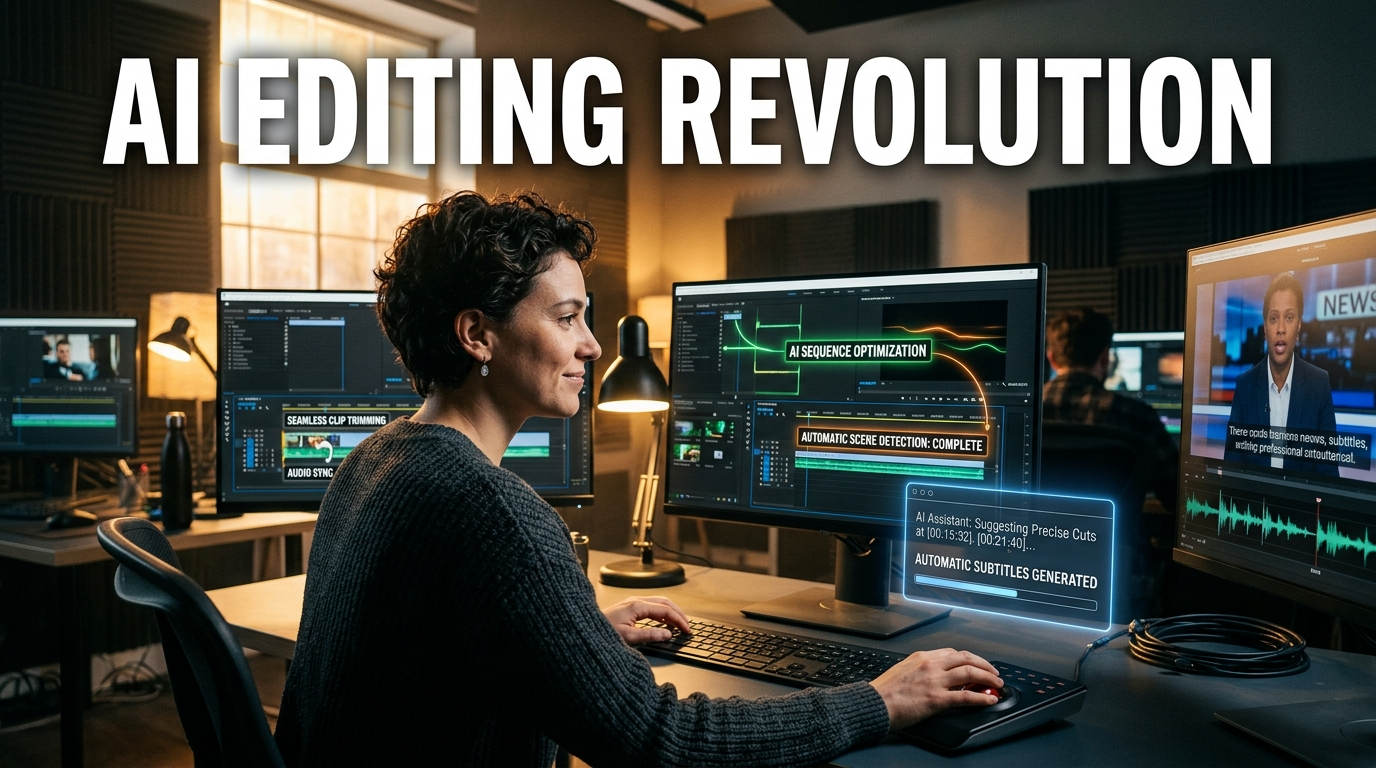
Claude launched Premiere Pro, created a new project, imported media from a local folder, built a sequence, and reflected the cut-edit results on the timeline.
The user only had to approve permissions in between, after which the AI continued working inside the actual editing program.
Workflow structure: Claude + Adobe Premiere Pro + ElevenLabs combination
The core trio behind this AI video-editing automation is threefold.
The Claude desktop app, the Adobe for Creativity connector, and ElevenLabs STT.
Claude acts as the AI agent directing the overall task.
The Adobe for Creativity connector allows Claude to connect with Adobe apps such as Premiere Pro.
ElevenLabs handles the speech-to-text function.
With these three connected, the video-editing process becomes automated in the form of “command → analysis → execution → review.”
Why STT-based cut editing matters
Many video-editing automation tools cut silent sections based on the audio waveform.
But this approach has limits.
It can catch pauses in speech, but it is difficult to accurately judge slips of the tongue, repeated speech, or filler expressions like “uh,” “um,” “you know,” and “so.”
This method does not simply look at the waveform; it converts speech to text through ElevenLabs STT and then analyzes the context.
For example, it can identify repeated speech or moments where the speaker restates something by mistake, such as “today is today so today is…”
That means the quality of the cut edit can be better than simple silence removal.
This makes a meaningful difference in content-production productivity.
Video editors spend a lot of time replaying source footage to find mistakes, but STT-based editing significantly reduces that time.
It is a representative example of AI productivity translating into real work-time savings.
Actual setup process: connecting Adobe for Creativity in Claude connectors
First, in Claude, click the plus button and enter the skills, connectors, and plugins menu.
From there, choose connector management, then search for Adobe in the connector browser.
Among Adobe-related services, select Adobe for Creativity.
This connector links with Adobe creative apps such as Premiere Pro, Photoshop, and Illustrator.
The user must authenticate with an Adobe account.
Once connected, Claude is ready to integrate with Adobe apps.
The important point here is that the web version of Claude alone cannot easily work with local files.
To connect directly with video files on your computer, you need the Claude desktop app.
Many people overlook this, but in real workflow automation, the difference is huge.
Connecting a local folder in Claude Cowork
After placing the source video file in a specific folder, launch the Claude desktop app.
In Claude, select Cowork to connect a project or folder.
The web version works around projects, but the desktop app allows you to add local folders directly.
In this case, a folder called “AI editing” was created, and the 1 hour 47 minute source video was copied into it.
After that, the folder was selected in Claude Cowork and permissions were granted.
Permission settings can include manual approval, auto approval, or skipping all approvals.
For people who use workflow automation heavily, how you configure approvals is important.
Requiring approval every time is safer but slower, while auto approval is more convenient but requires managing security risks.
In enterprise environments, this is likely to connect with AI governance in the future.
Practical prompt example: the more specific the instruction, the better the result
For this task, Claude was asked in the following direction.
“Edit the video in this folder using Adobe Premiere Pro.”
“Do cut editing, and remove any mistakes or meaningless filler sounds like ‘uh.’”
“Do not simply cut based on the audio waveform; transcribe it with STT first and then edit according to context.”
“Use ElevenLabs for STT.”
The important point in this prompt is that the tools were clearly specified.
Premiere Pro was requested, and ElevenLabs was specified for STT.
If ElevenLabs is not specified, Claude may use Whisper or a built-in STT feature.
AI video editing can vary greatly depending on prompt quality.
Rather than saying “edit it well on your own,” it is much better to ask specifically for things like “remove repeated speech, remove mistakes, remove meaningless filler sounds, and build a 10-minute highlight around the core content.”
Workflow Claude actually performed
After receiving the request, Claude created several subtasks.
It proceeded in the order of audio extraction, ElevenLabs STT execution, cut-list analysis, Premiere Pro sequence creation, media import, and verification plus cut report generation.
Claude then requested permission to launch Adobe Premiere Pro.
Once the user approved it, Premiere Pro launched automatically.
Claude created a new project and brought in the source footage from the designated local folder.
Claude manipulated the program without the user moving the mouse or clicking menus directly.
The timeline reflected the finely divided cut-edit results.
This scene shows not just a simple AI recommendation, but AI agent-based workflow automation entering a creator’s actual workflow.
Re-editing into a 10-minute highlight after the first cut edit
After the first cut edit, the result was not perfect.
So Claude was asked again to compress it into a 10-minute video.
Claude analyzed the transcript’s topic structure, organized the editing direction, and rebuilt the video into a 10-minute highlight cut.
This is the process of reducing the original 1 hour 47 minute video to roughly 10 minutes.
This stage matters because it goes beyond simple cut editing and into content-summarization editing.
The AI understood the overall flow of the video and performed the role of compressing it around the core themes.
This could create major changes in the future of YouTube editing, lecture editing, interview editing, and webinar editing markets.
Limitations of the output: fully automated editing is not yet perfect
The AI editing result was impressive, but it was not yet final-delivery quality.
Some mistake segments remained, and some cuts were awkward.
For example, sections containing repeated expressions like “today is today so today is…” were not completely removed.
In other words, current AI video editing is closer to “first-pass editing automation” than to “fully automatic delivery.”
Instead of a person watching and editing the entire 1 hour 47 minute source from start to finish, the AI compresses it into a 10-minute edit and the human handles final quality checks and fine-tuning.
Even this alone significantly improves practical efficiency.
It can be applied immediately to tasks that need to pull out only the essentials from long raw footage, such as YouTube videos, online lectures, corporate training content, and interview content.
The real core point that other news and YouTube videos often miss
The most important thing in this case is not simply that “AI performed cut editing.”
The real core point is that local files, specialized software, external APIs, and prompt directing were connected into one workflow.
Conventional generative AI was mostly a tool for creating answers in a chat window.
But now AI agents like Claude can read folders on your computer, launch Premiere Pro, call external STT services, and reflect the results back into the actual project file.
This aligns not only with the content-production market but also with the broader digital transformation of office work.
Another important point is that an editor’s competitiveness is shifting from “how fast they can cut with their hands” to “how accurately they can direct AI.”
In the future, video editors are likely to become less like simple repetitive operators and more like AI editing directors, prompt directors, and content-structure designers.
Economically, this shift directly affects content-production costs and output volume.
If one person can produce more videos in a day, content supply increases and a company’s marketing cost structure changes as well.
That is why generative AI investment and workflow automation investment are tied not just to technology trends but to cost reduction and revenue expansion strategies.
The economic changes AI video editing will bring
First, video production time will decrease.
When the time needed to review raw footage and perform cut editing drops significantly, the content productivity of creators and corporate marketing teams rises.
This directly leads to improved AI productivity.
Second, content-production costs will fall.
Labor and outsourcing costs for first-pass editing can be reduced.
This creates a particularly large cost-saving effect for startups, solo businesses, and small education companies.
Third, the barriers to entry in the content economy will decline.
Even people with limited editing skills can use AI tools to create videos above a certain quality level.
Ultimately, more individuals and businesses can enter the YouTube, Shorts, online course, and sales video markets.
Fourth, the role of the editor will become more advanced.
AI will handle repetitive cut editing, while humans will focus on higher-value work such as storytelling, brand tone, subtitle style, B-roll placement, hook structure, and thumbnail strategy.
Prompt strategies practitioners can use right away
To improve AI editing results, prompts should be as specific as possible.
Requests like the following are likely to improve quality.
“Remove mistakes, repeated speech, and meaningless filler sounds.”
“Adjust the spacing between cuts so the content flows naturally.”
“Reconstruct it into a 10-minute highlight version so the core message comes first.”
“Place the key scene in the first 30 seconds so viewers keep watching.”
“Keep the expert explanation sections, and aggressively reduce redundant explanations.”
“Edit it in a YouTube lecture-style tone.”
“Mark the spots that need B-roll and separately organize the sentences that need subtitle emphasis.”
If you write prompts well, AI acts less like a simple editor and more like an assistant director.
Conversely, if the instructions are vague, AI may remain at the level of only cutting silent sections.
Why ElevenLabs is used together
ElevenLabs provides not only STT but also TTS functionality.
In other words, it can both convert speech to text and turn text into natural-sounding speech.
It also allows voice cloning for use in video narration.
This becomes especially useful when combined with video-editing automation.
For example, you can add missing explanations with AI voice, supplement a lecture video with new narration for certain sections, or expand content into multiple languages.
In the future, a structure in which Claude edits, ElevenLabs enhances speech, and Adobe completes the visual output will likely become even more natural.
This trend could also become an important productivity tool in corporate digital transformation strategies.
Caution: security, copyright, and quality review are all necessary
It is convenient for AI to directly manipulate local folders and professional software, but that also means security management is important.
When connecting internal company videos, customer interviews, or unreleased product materials to AI tools, you must check the data policy.
Also, if you use an external service like ElevenLabs, you should verify how the voice data is handled.
For commercial content, you also need to check licensing, copyright, and whether voice-cloning consent has been obtained.
Finally, AI editing results must always be reviewed by a human.
That is because AI may misjudge context, delete important content, create awkward cuts, or produce results that do not match the brand tone.
Types of work suitable for AI video editing
It is suitable for first-pass cut editing of long-form YouTube videos.
It is useful for removing mistakes and dead-air sections from online lecture recordings.
It can be used to extract only key remarks from interview videos.
It is suitable for highlight editing of webinars, seminars, and conference videos.
It also helps quickly organize internal corporate training content.
On the other hand, advertising videos, music videos, and branded films where emotional rhythm and mise-en-scène matter still require a lot of human involvement.
AI is strong at first-pass work and structuring, while final sensibility and creative judgment are still best handled by people.
Outlook: the video-editing market may be reorganized around AI agents
This case is not a feature update for a single video-editing tool.
It is closer to the beginning of a trend where AI agents operate professional software on behalf of humans.
In the future, AI such as Claude, ChatGPT, and Gemini is likely to connect with Premiere Pro, Photoshop, Figma, Notion, Google Drive, Slack, CRM, and ERP systems, steadily expanding the scope of workflow automation.
This trend could become a core issue in corporate productivity investment, generative AI investment, and digital transformation strategies.
Especially in content production, a workflow in which “if you just shoot it, AI makes the first edit” could become standard.
When that happens, the bottleneck in video production shifts away from editing skill and toward planning ability, messaging, and differentiated perspective.
Ultimately, the people who survive in the content economy are likely not those who simply use AI well, but those who can accurately distinguish between what should be delegated to AI and what humans must do directly.
< Summary >
By using the Cowork feature in the Claude desktop app and the Adobe for Creativity connector, AI can directly perform video cut editing in Adobe Premiere Pro.
When ElevenLabs STT is used together, it is possible to analyze mistakes and repeated speech based on text rather than just the audio waveform.
A 1 hour 47 minute source video can be compressed into a 10-minute highlight cut, but final review and post-editing are still necessary.
The core point is that AI has moved beyond chat responses and into AI workflow automation that directly operates professional software.
Going forward, a video editor’s competitiveness is likely to shift from manual speed to the ability to direct AI precisely.
[Related Articles…]
How AI workflow automation is changing content creation
Generative AI investment trends and the productivity revolution
*Source: [ AI 겸임교수 이종범 ]
– 2시간 걸리던 영상 편집, 이제 AI로 한방에 끝